

Logitech MX Master 4, Ergonomic Wireless Mouse with Advanced Performance Haptic Feedback, Ultra-Fast Scrolling, USB-C Charging, Bluetooth, Windows, MacOS – Graphite
$119.99
Related Products




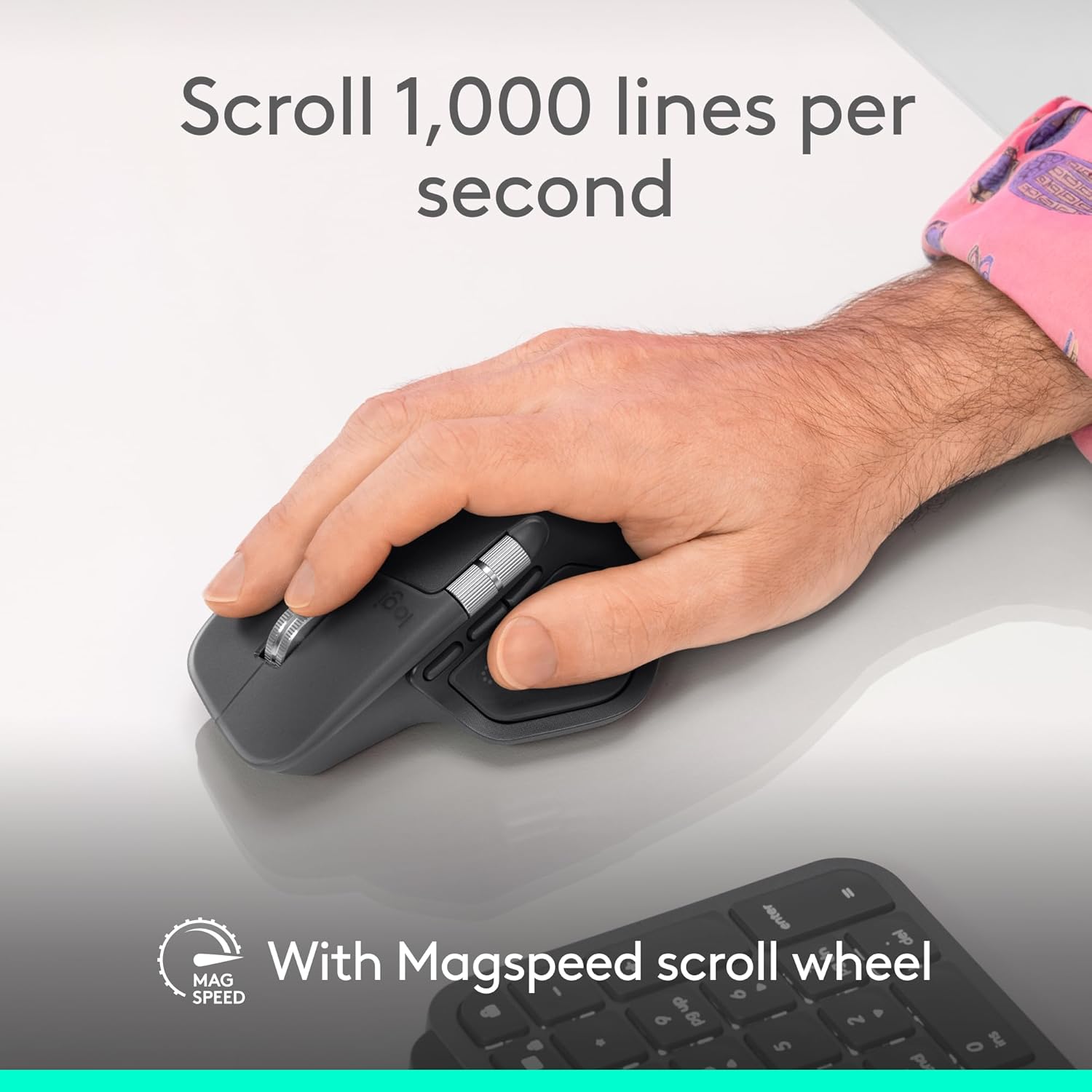
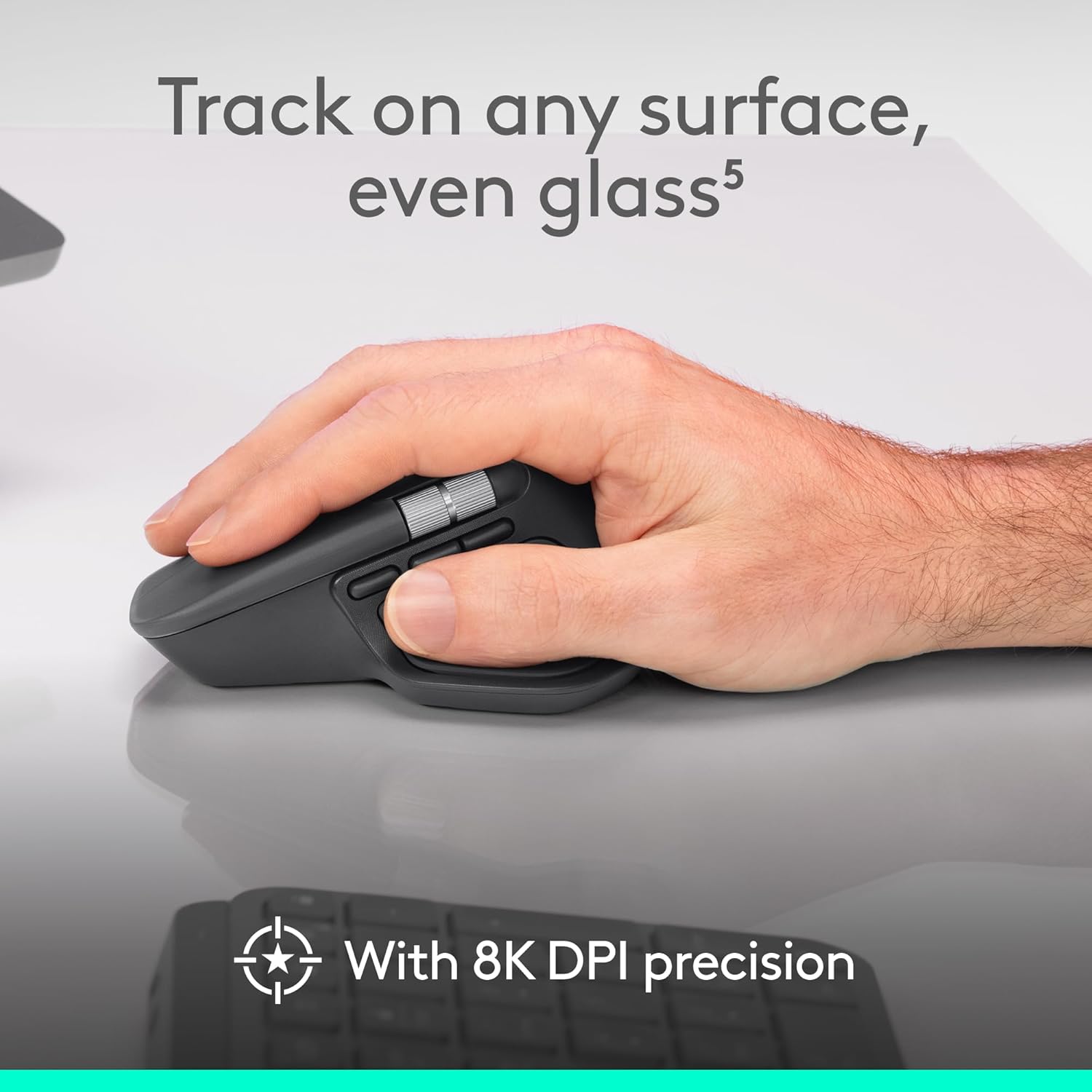



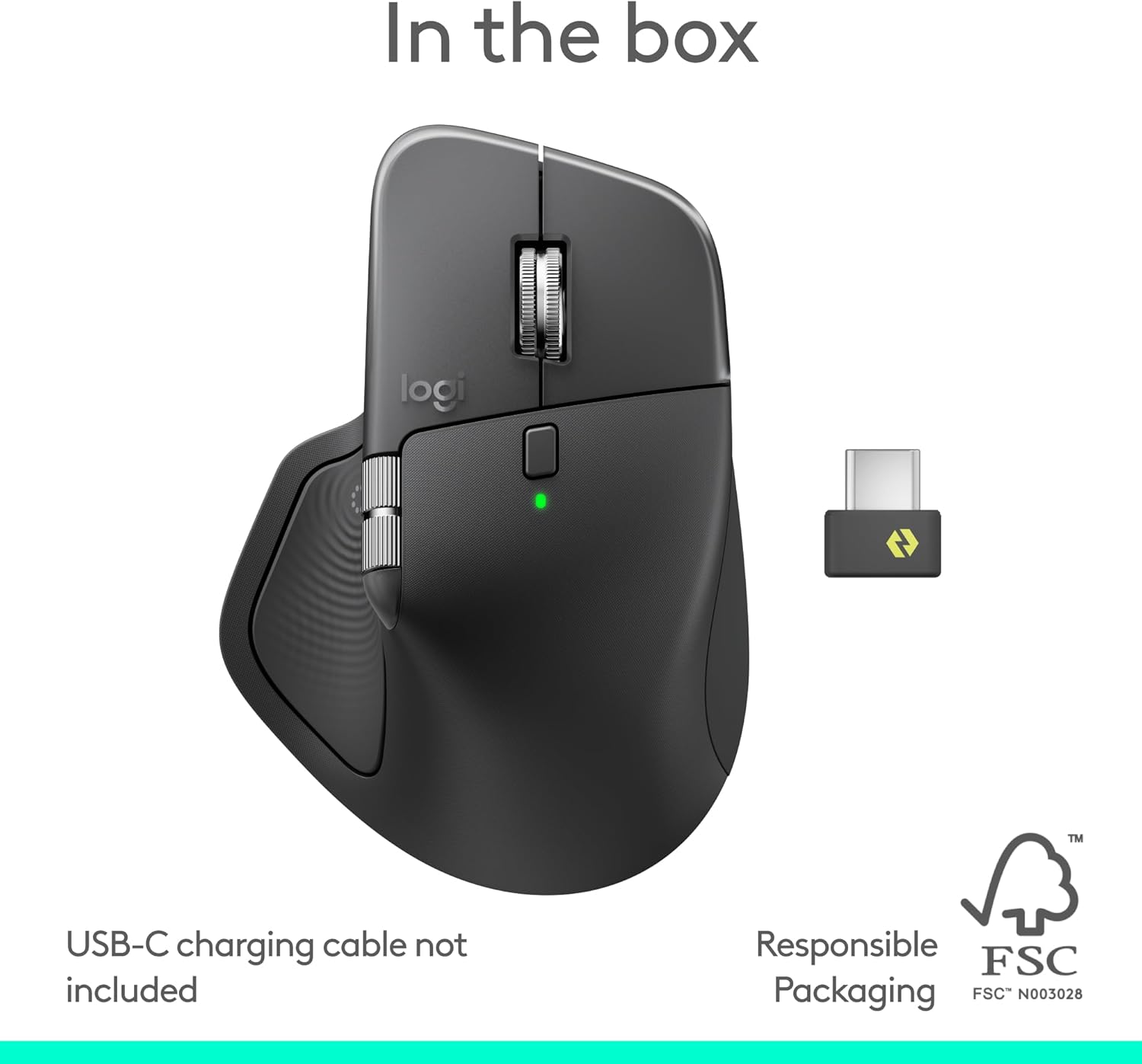


The Logitech MX Master 4 brings immersive control and precision you can feel with haptic feedback. Experience haptic feedback on specific actions, shortcuts, notifications like switching desktops, slider adjustments and more. Customize vibration intensity with Logi Options+ (1). With Actions Ring shortcuts and MX Master 4, save up to 33% of your time (2) by accessing tools and filters at your cursor and reducing repetitive movements by up to 63%. (2) Experience uninterrupted performance with 2X more powerful connectivity, powered by an advanced radio chip, optimized antenna placement, and a new USB-C dongle. (7) Scroll 1,000 lines per second with Logitech’s fastest MagSpeed wheel, switching between hyper-fast and pixel-perfect scrolling for ultimate precision. The 8k DPI sensor tracks on any surface—even glass. (5) Designed for comfort, it keeps your hand in a natural posture, and quiet clicks that reduce noise by 90% (8). Stay powered up with up to 70 days of battery life, plus three hours of use from a one-minute charge, charging cable not included (10). Built sustainably, it incorporates recycled materials: plastic parts include recycled plastic – 54% Space Black; 48% White Silver (12); 100% recycled cobalt in the battery; Built to last with improved stain resistance (7) Compatible with Windows, macOS, Linux, Chrome OS, iPadOS, and Android. Requires Logi Options+ app for advanced customization.
Precision you can feel with the Haptic Sense Panel; customizable (1) haptic feedback on specific actions, shortcuts, notifications enhancing productivity on this wireless Bluetooth mouse
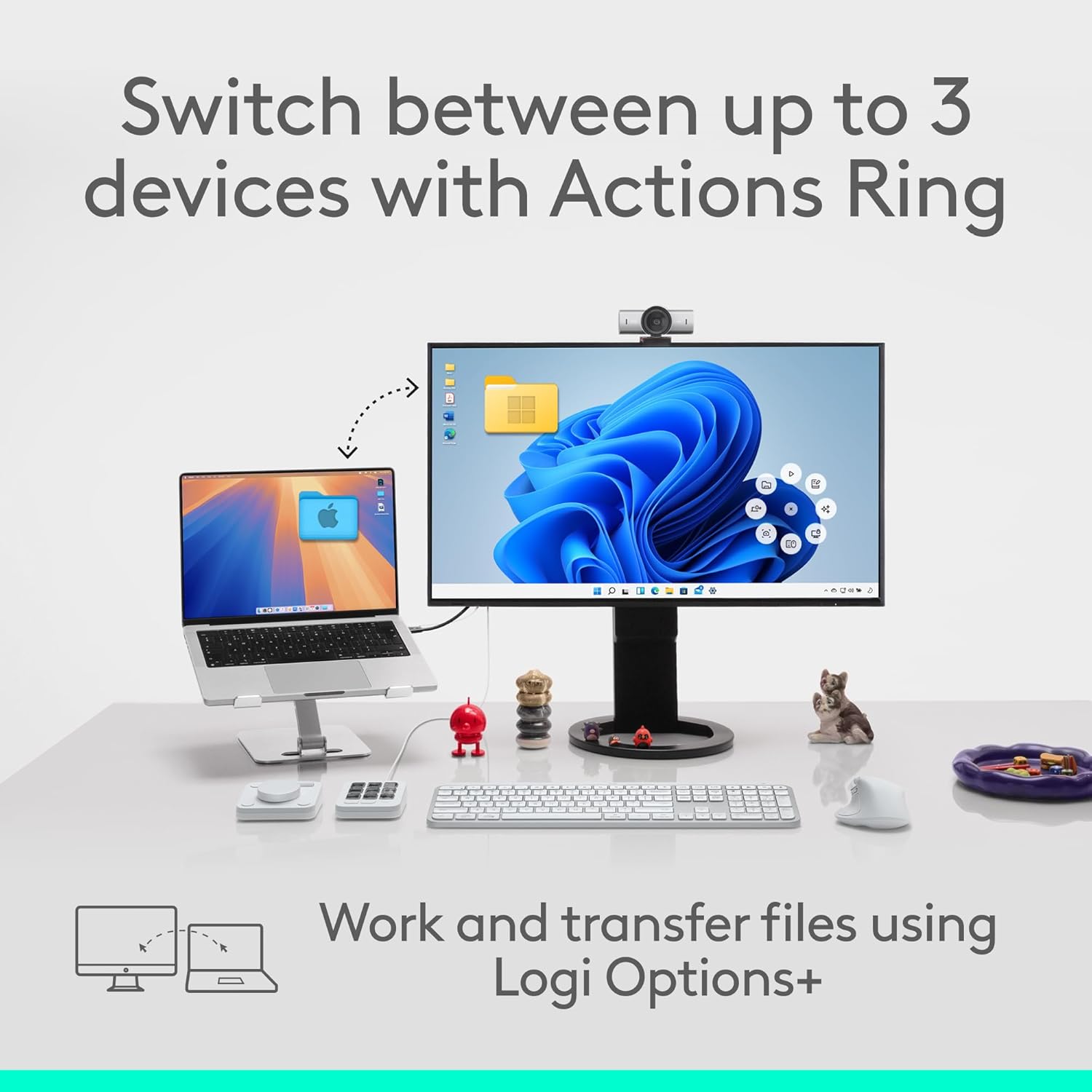
Effortlessly access favorite tools with Actions Ring (2) on this MX Series mouse—a dynamic, customizable overlay adapts to each app, placing most used filters, adjustments, and shortcuts at your cursor
Scroll 1,000 lines per second and stop on a pixel with the MagSpeed scroll wheel—Logitech’s fastest (3), quietest, and most precise (4) scrolling experience
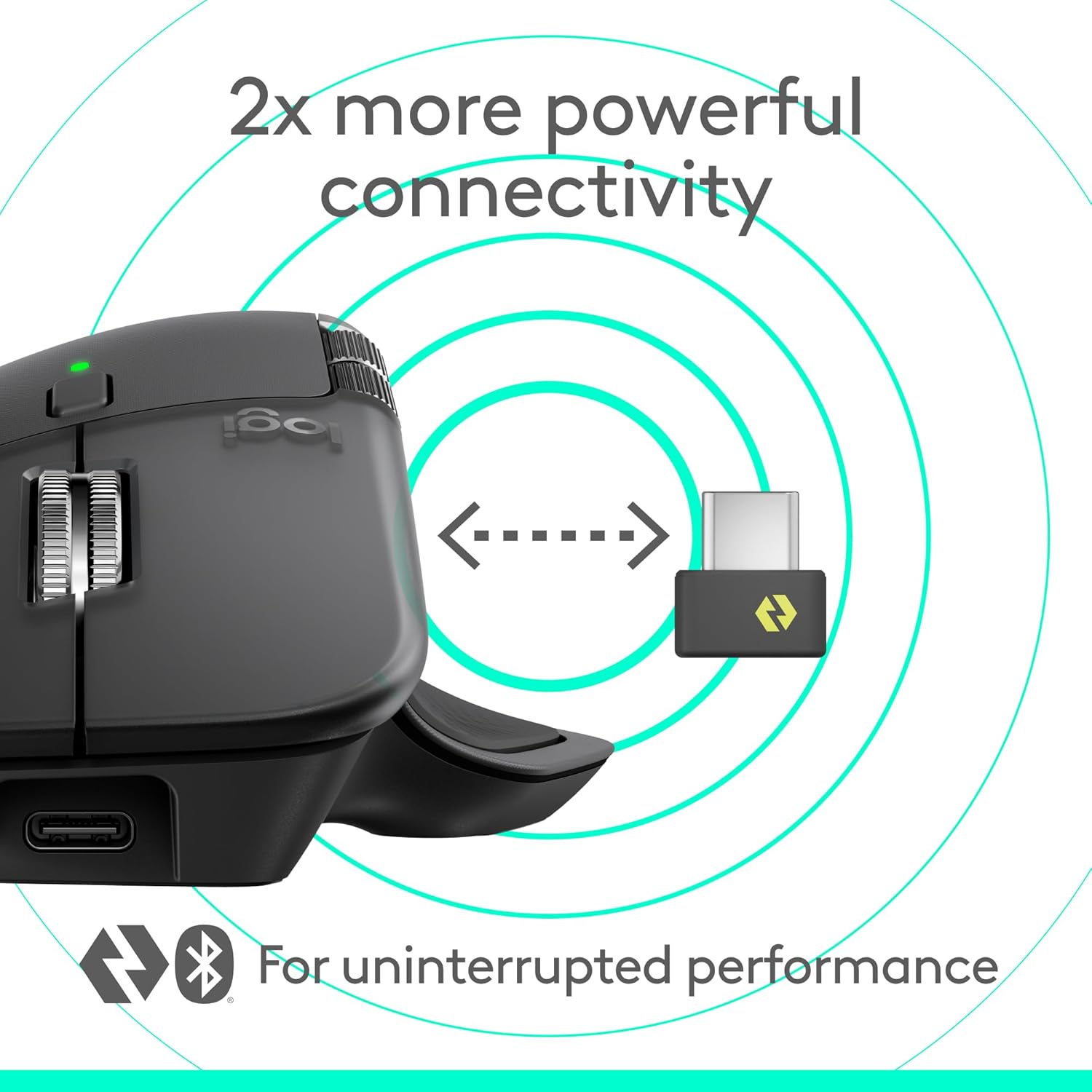
Enjoy 2X more powerful connectivity (7) with a USB-C dongle, advanced radio chip, and optimized antenna for faster, stronger, reliable performance—or use Bluetooth for more versatility
Ergonomic mouse designed for comfort, MX Master 4 keeps you in flow with a natural tilt, intuitive buttons, and a thumb scroll wheel that reduces hand stress for fluid navigation
Quiet Clicks on MX Master 4 reduce noise and distractions, offering a soft, satisfying feel with 90% less click noise (8)—perfect for focused workflows
Get a complimentary 1-month Adobe Creative Cloud subscription with your purchase of MX Master 4
Designed for a positive future: Plastic parts include recycled plastic – 54% Graphite; 48% Pale Grey (12); 100% recycled cobalt in the battery; built to last with improved stain resistance (7)
9 reviews for Logitech MX Master 4, Ergonomic Wireless Mouse with Advanced Performance Haptic Feedback, Ultra-Fast Scrolling, USB-C Charging, Bluetooth, Windows, MacOS – Graphite
Add a review

$119.99
Pouria Eslami Rad –
Love it! Perfect mouse
Best mouse ever! Been wanting to own a MX Master mouse for the longest of times and I’m happy that I waited this long. It’s the perfect productivity tool with a fantastic battery life. Just a heads up, it can be a bit jittery on macOS when you scroll even with smooth scrolling option turned on in the Logi+ app, however that can be fixed with another free app installed called “Mos”! Install that and no other mouse can be remotely close to how good and ergonomic this mouse can be. The fact that I can switch between my several computers with Bluetooth and dongle connection is fantastic. Also durability wise, the body material of this mouse is way better than predecessor that used to get greasy and yucky after a few years. Also the mouse haptics is awesome and cannot be described in no review video till you actually feel it. It feels like those high-end magnetic vibration haptic engines you find on iPhones or Galaxy S phones. The new side button they added is also a pretty useful feature, which adopts based on the app you’re using. Solid choice of a mouse and buy it with no doubts in mind.
Ken Moody –
An outstanding upgrade to an older MX mouse!
My previous Logitech MX mouse & keyboard combo are almost 15 years old. They have been by far and away the best keyboard & mouse I have used in my 30 years of IT work. Very smooth, solid, reliable with a terrific feel. Sadly, the mouse finally began having issue mis-registering clicks. So I replaced it with the MX Master 4. After a full week+ of use, I am very happy with this new mouse. It replaced a great mouse with an even better mouse!This mouse is buttery smooth, the click are soft and silent, accuracy is pinpoint, and it brings more features than I’ll probably ever use, but the ones I do use are excellent. Battery life has been amazing as well.I plane on having this mouse for another 15 years. Well worth the money. Highly recommended,
Philip –
MX Master 4 is a Great Mouse
The Logitech MX Master 4 is a great improvement over the MX Master 3S. The Action Ring thumb button (formerly the Gesture button), now uses the natural opposing thumb action of the human hand which is less stressful on the joint. The addition of a third thumb button is a plus. Also, the horizontal scroll wheel (thumb scroll wheel) has more travel which allows scrolling farther with each flick of the thumb.The rubbery surface that is on the MX Master 3S has been replaced with finely, serrated, plastic body and silicone surfaces on the Actions Ring button and the lower, right side of the mouse. The new silicone surfaces are slippery which makes it more difficult to lift the mouse. The MX Master 4 requires a different grip with your hand because of these new surfaces.Overall, the MX Master 4 is a great mouse which allows better efficiency and workflow in general computing, but it is definitely not a gaming mouse.
UmerW –
Best Mouse I have EVER USED
I use this mouse (and every other mouse for that matter) for work and I am so happy to say that this is certainly THE BEST mouse I have ever used.Where do I even start: the way the ergonomics work to give you the best experience to design aesthetics to the good battery life to the USB-C charging capability to the absolute pin-point precision and accuracy of cursor movements when used on a glass-pad (I use an ASUS ROG glass pad) to the thumb-rest to the amazing experience enhancing haptic feedback … and the list goes on as you can see.I read a lot of reviews online and saw probably close to 15-20 video reviews on YouTube and based on my experience of 3-4 days of using this mouse I can tell you this: This is probably the most amazing mouse I have ever used. I have been using Logitech MX Master series mice since 2015 and currently have 2 more MX master 3S mice that I have been using for years and I can tell you this is the best one yet. Everything the YouTube reviewers said about the top curve to be too much or the haptic feedback not good enough or the side wheel to not work as amazing as it sounded in theory – all of it was absolutely and totally WRONG! I loved everything about this mouse from the get go. I couldn’t find any fault with any of its features or capabilities. I LOVE IT!!!!!The mouse comes with a USB-C receiver which I think is awesome. There is one drawback in my opinion however, and that is that at the price point this mouse is selling for, it does not come with a charging cable or a charger and I thought that was a huge let down by Logitech, a very stingy and cheap move on Logitech’s part to not include a usb-c charger with cable while asking for a price they are asking for in November 2025. Otherwise I love the mouse for what it does.If you are on the fence to make a decision, I highly recommend it. You will not regret it.
Olivier Amyot –
I have owned every Logitech MX Master since the first one and this is still an excellent mouse. It feels a bit lower and flatter compared to previous generations, which I personally like. The new haptic feedback is really cool and adds a premium feel, especially on the scroll experience.The buttons feel noticeably better in quality and the side scroll wheel is smoother than expected. I do not use it constantly, but when I do, it works great. The texture is also interesting and grippier, and the lighter color option looks clean on a desk.Big win is finally getting a USB C dongle. It was about time.If you are coming from an MX Master 3S, the difference is not massive, but it is there in the feel and overall refinement. My all time favorite is still the MX Master 2, but this one is absolutely easy to recommend. If you want a top tier ergonomic mouse for everyday work, this is it.
Marcio Andrade –
Chegou em perfeito estado, produto excelente. Meu arrependimento é de não ter comprado antes. Porque pra produtividade no dia a dia é excepcional.
Pavel Rojas –
Excelente
Bruno Lorusso –
Produto incrível , não sei como trabalhei até hj sem esse mouse
Nicolas –
This mouse was a much deserved upgrade from the MX Master 3S. While its aesthetics do not really compare and match with the MX Keys (if you have that) as you lose the silver bits from the previous generation, the silicone finish makes the grip much more comfortable and nicer compared to the uncleanable, un-maintainable rubber from before. Yes, it’s heavier, yes the polling rate is still under 1000Mhz, but you’re buying an office mouse, not a gaming mouse. Just keep that in mind.The extra haptic feedback button is a nice welcome and you can control the vibration in the Logi Options+ application. The mouse is relatively new so there isn’t a lot of support for the haptic feedback button yet, but I expect it to come equipped with much more later on.I have two Odyssey G9 screens stacked on top of each other. With the 3S, there was always these annoying moments where the mouse would randomly lag. At first I thought there was a bottleneck somewhere in my computer (CPU, GPU, RAM, etc.). With this one, the problem resolved itself. It seems like the connection is much more stable now and that’s the biggest win in my opinion. Overall, I am not disappointed with this upgraded mouse and will keep it.