

Wireless Display Adapter Designed for Multimedia Live Streaming Broadcast with Landscape/Portrait Screen Display Perfect for TikTok,YouTube,Amazon Live
$39.99
Related Products







Product description


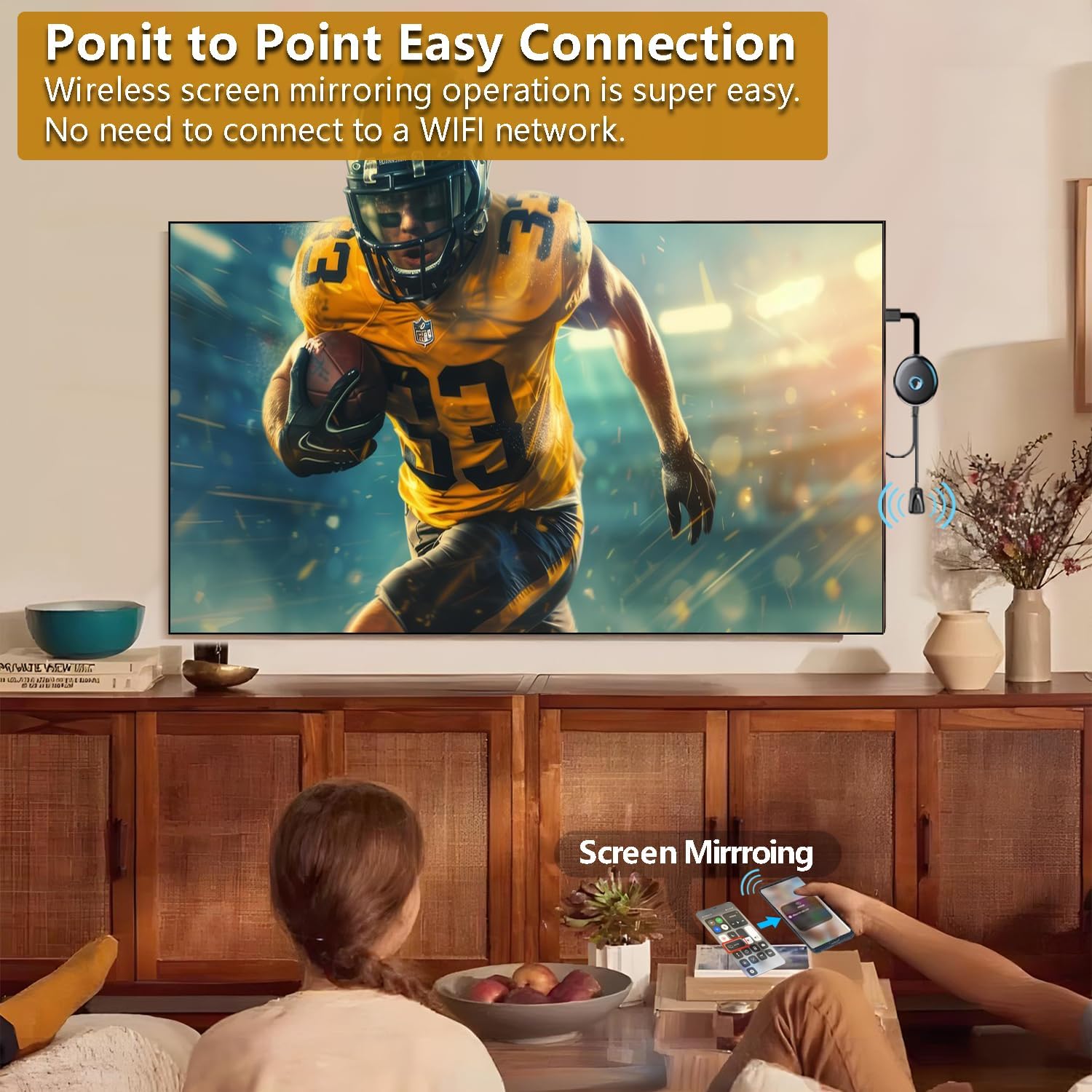
Why choose the HRpart Wireless Display Adapter?It will allow you to host a live stream or watch the live stream from a small to a large screen without the long and messy cables. Share your documents, photos,videos on any TV,Monitor and Projector, perfect for Presentations, Meetings, Live Stream, TV Show,Exhibitions and enjoy Movies,Songs and pictures.
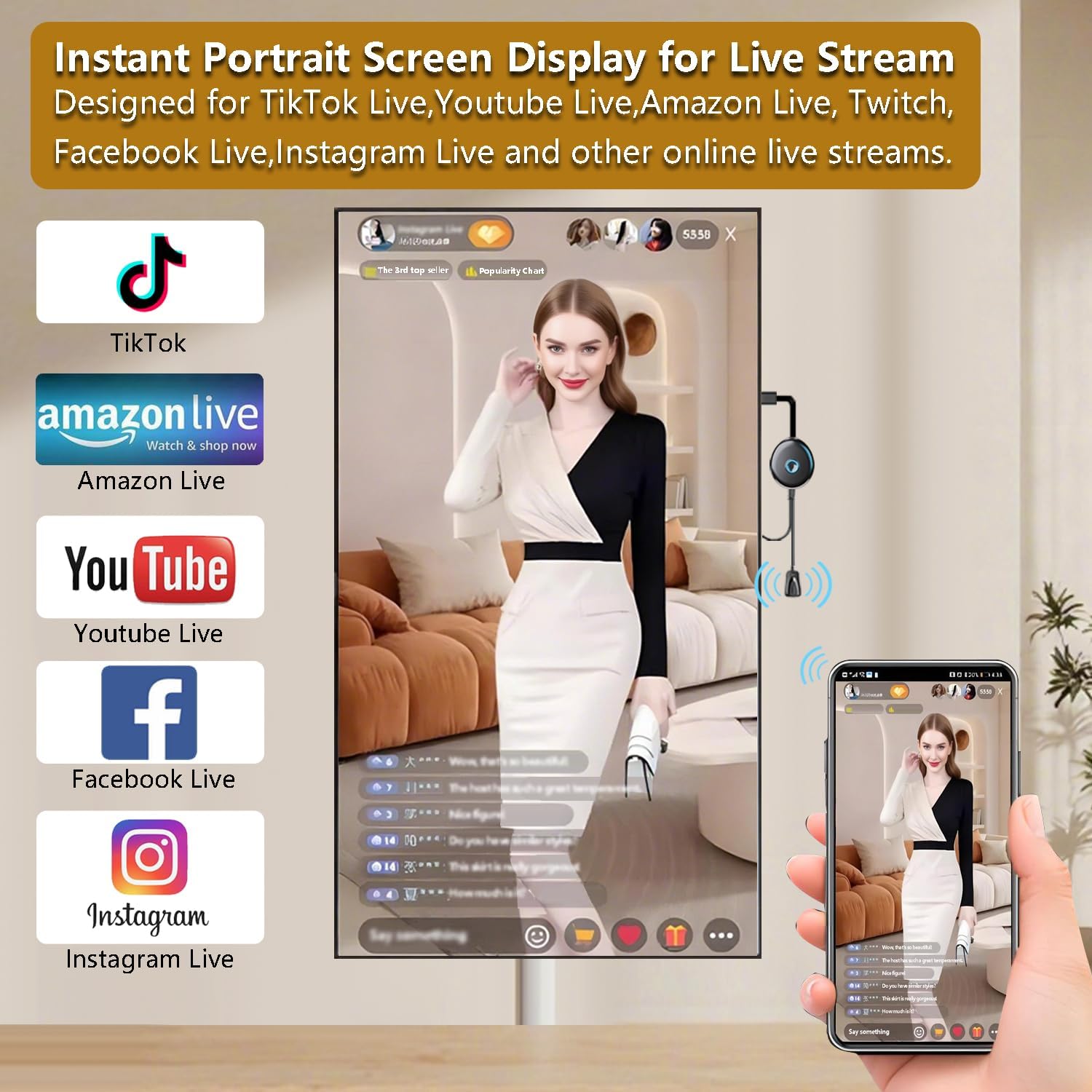
Instant Landscape or Portrait Screen Display for Live Stream:Designed for TikTok Live,Youtube Live,Amazon Live, Twitch, Facebook Live, Instagram Live and other online live streams.The Hrpart Wireless Display Adapter can stream from a small phones screen to a large screen. The Livestreamer would enjoy engaging with the audience during the live stream with a large screen display.
Perfect for Meeting or Presentation:The Hrpart Wireless Display Adapter streams from your iPad/Tablet/Laptop/Smartphoes to the big Panel Monitor or Projector,Real-time screen mirroring enables seamless projection of PPTs and Excel sheets onto larger displays, significantly enhancing collaboration and interaction in meetings and classrooms.
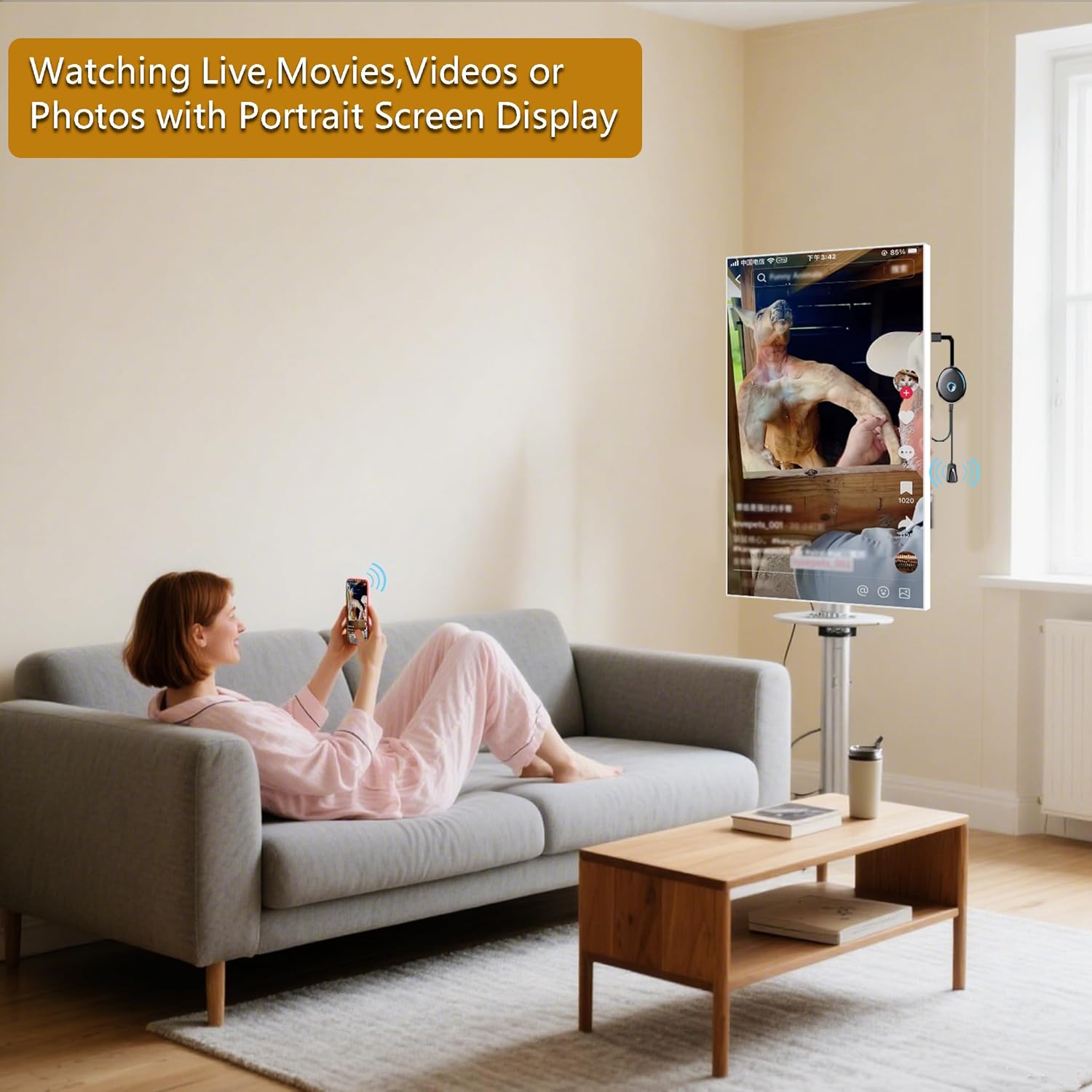
Watching Live,Movies,Short-form video or Photos with Landscape or Portrait Screen Display :While you are tired or hate to watch Live, Movie, Short-form video(TikTok video,Instagram Reel,YouTube Shorts.) or Photo with a small screen,The Hrpart Wireless Display Adapter can stream wirelessly from the phone/ipad/tablet screen to the TV,Monitor or Projector without the long and messy cables. Effortlessly toggle between landscape and portrait modes with a single press of the Hrpart Wireless Display Adapter central button.
Who needed the Hrpart Wireless Display Adapter : It is very helpful for the Livestreamer, Teachers, Lecturer, Office staff, Consumer who needs the big screen to enjoy the Live Stream,Short-form video,TikTok video,Instagram Reel,YouTube Shorts.
Note:Don’t support with some Subscribed paid Apps which have “HDCP” video copyrights protection like Netflix,Amazon prime videos,Hulu,Comcast tv,BT Sport,etc
8 reviews for Wireless Display Adapter Designed for Multimedia Live Streaming Broadcast with Landscape/Portrait Screen Display Perfect for TikTok,YouTube,Amazon Live
Add a review

$39.99
MIchael –
Easy and it works great
Easy and works great
Trux0rz –
Crazy how well this works.
I picked this up on a whim so I could play with it a little bit, since, at the time, I had no real need for something like this.Now that I’ve changed jobs, I will have a use for it as I will be displaying stuff on my phone for others to see. It’s really cool how well this mirrors my phone. It was super easy to get working and the image is clear. I haven’t tried playing any videos yet, but I really don[t see an issue. For the price, this is a great solution to sharing content from your phone to the TV. It certainly has value and will come in handy.
Andres Rosales –
No funciona con IPhone 17 Pro Max
Buen producto! Pero no funciona con los IPhone 17! Tengo un IPhone 17 Pro Max y no me funciona! Deben actualizarlo o crear un dispositivo igual que funcione con la última versión de IPhone!
EverNoticeThat –
Supersize your digital content wirelessly with this tiny device…
When I was still new to content creation, I always wondered how the streamer managed to setup say a live chatroom from a tiny phone onto a large monitor screen. With a product such as the HRpart Wireless Streaming Display Adapter, now I have my answer. This dongle is relatively small in size, but opens up big possibilities when creating or interacting with an online audience. With support for 4K resolution, I find that it’s a great way to consume content wirelessly from one device to another. The HRpart Wireless Streaming Display Adapter is a powerful way to “supersize” our digital devices. Highly recommended.
Leon J –
Easier streaming
This little wireless display adapter is small and fit in my palm and has a single button to turn it on and off. Once connected to the TV, it mirrors my phone screen so we can watch movies, TV shows, news or even those vertical short videos without needing extra cables. The picture fills the screen nicely and looks clear, and during most of our use there hasn’t been noticeable lag. On weekend mornings, I like to cast sing along videos for my kids while I’m in the kitchen cooking. They sit in the living room with the big screen while I can control everything from my phone, which has been a big help. It also works for switching between portrait and landscape mode automatically, so the screen doesn’t look stretched. The compact size makes it easy to move between rooms or pack in a bag when we visit grandma’s house. So far it is a handy device that keeps our family entertainment running more smoothly.
moka –
Easy pairing, stable picture
This little adapter has made my living room setup more flexible. I often sit in the massage chair after a long day and like to have a show or a video running on the screen in front of me. Before, I had to pick something in advance because switching midway wasn’t possible without getting up. Now I can link my phone directly and change what I’m watching right from my hand. Pairing was literally quick, and within my home the signal has been stable with no obvious delay. The image on the screen looks clear and doesn’t stutter, which makes the whole experience feel smoother. My kids have also used it to stream short videos when we gather in the family room, and they said it was simple enough to figure out on their own. I haven’t tested it outside of the house or at longer distances, so I can’t say how it performs beyond a typical home setting. For casual use within a room, it does what it said.
Sunny –
Vertical TikTok Support, Needs Better Clarity
Works great for vertical screen TikTok, very convenient! The only downside is the picture quality, not sharp enough. Hope there will be a clearer 2K/4K version with portrait support.
Hannah –
Easy to take and use for presentations
When I set this up for a small group presentation, the adapter did make things easier by letting me mirror my tablet screen directly onto the projector. They could see the charts clearly without me needing to carry HDMI cables around. The button for switching between portrait and landscape also came in handy when showing longer documents. At home, I tried it for watching a drama on the TV straight from my phone. The wireless connection spared us from running cables across the living room, and the picture looked decent. The kids liked flipping through vacation photos on the big screen, though we noticed a slight lag when scrolling quickly. For live streaming, I tested it on YouTube Live. It was helpful to see my own stream on the larger screen so I could follow along with comments, but there were moments when the feed seemed to stutter.