

Samsung 49” Odyssey G9 Series DQHD 1000R Curved Gaming Monitor, 1ms(GtG), VESA DisplayHDR 1000, 240Hz, AMD FreeSync Premium Pro, Height Adjustable Stand, Ultrawide Screen, LS49CG954ENXZA, 2024
$849.99
Related Products



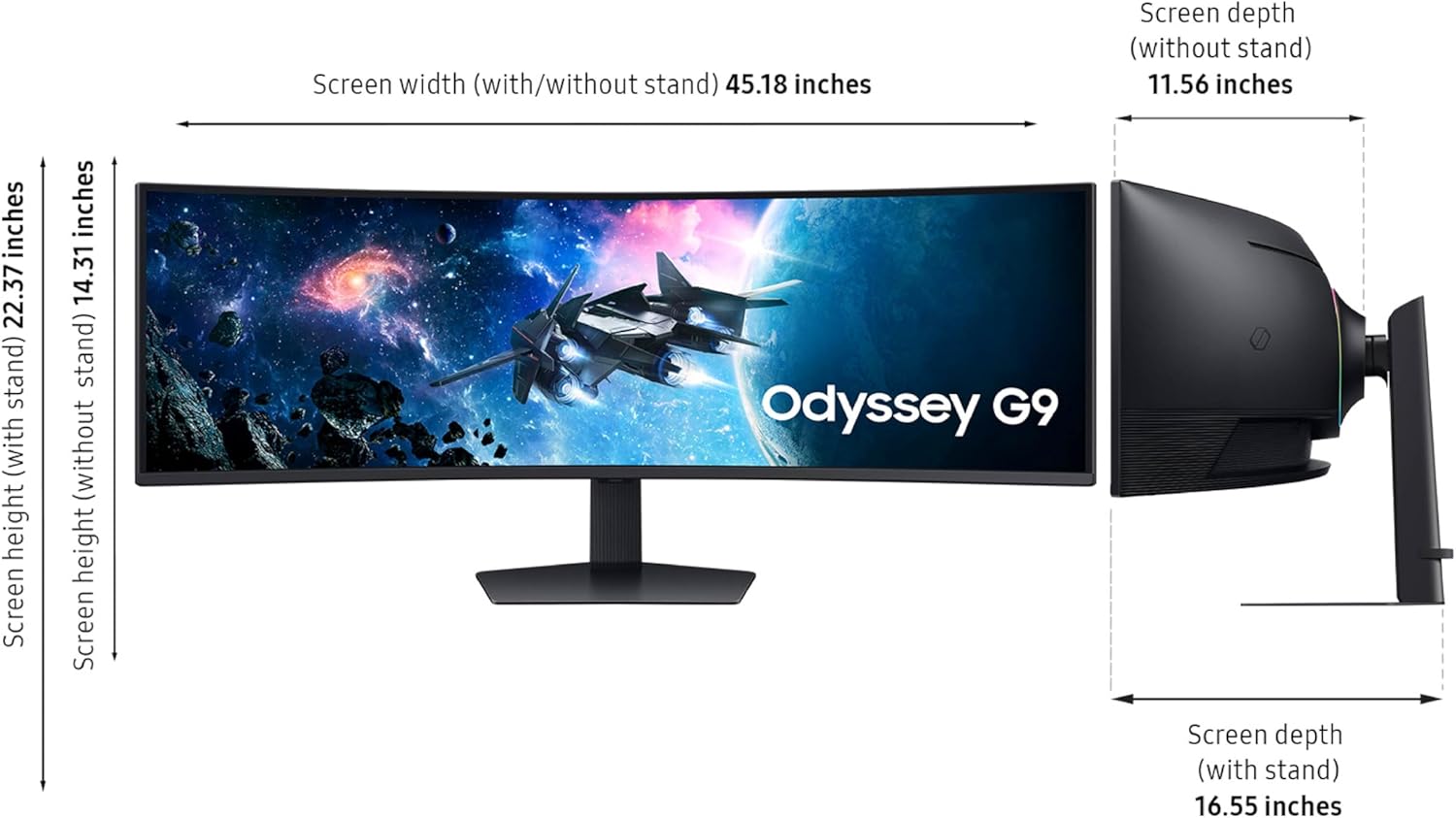

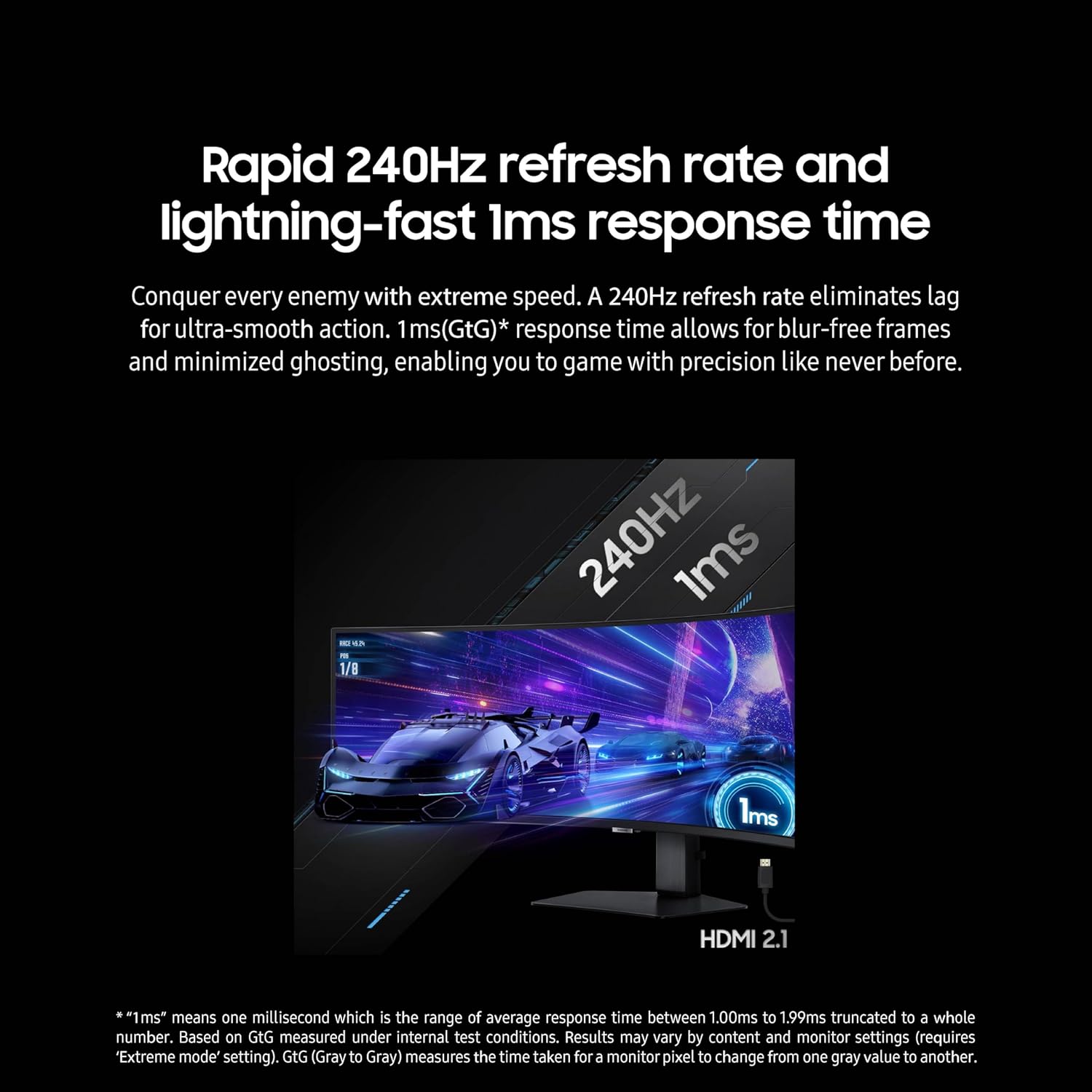


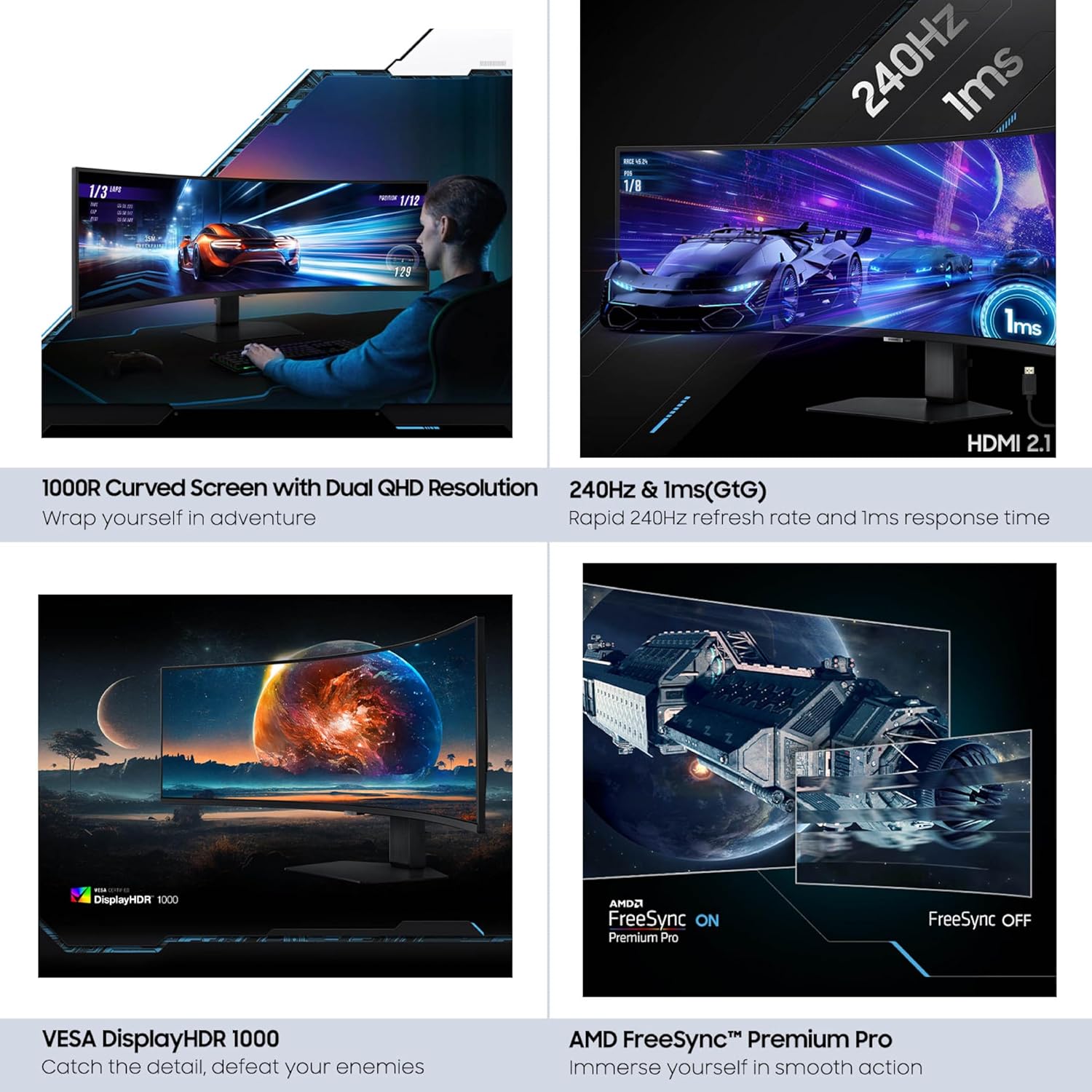

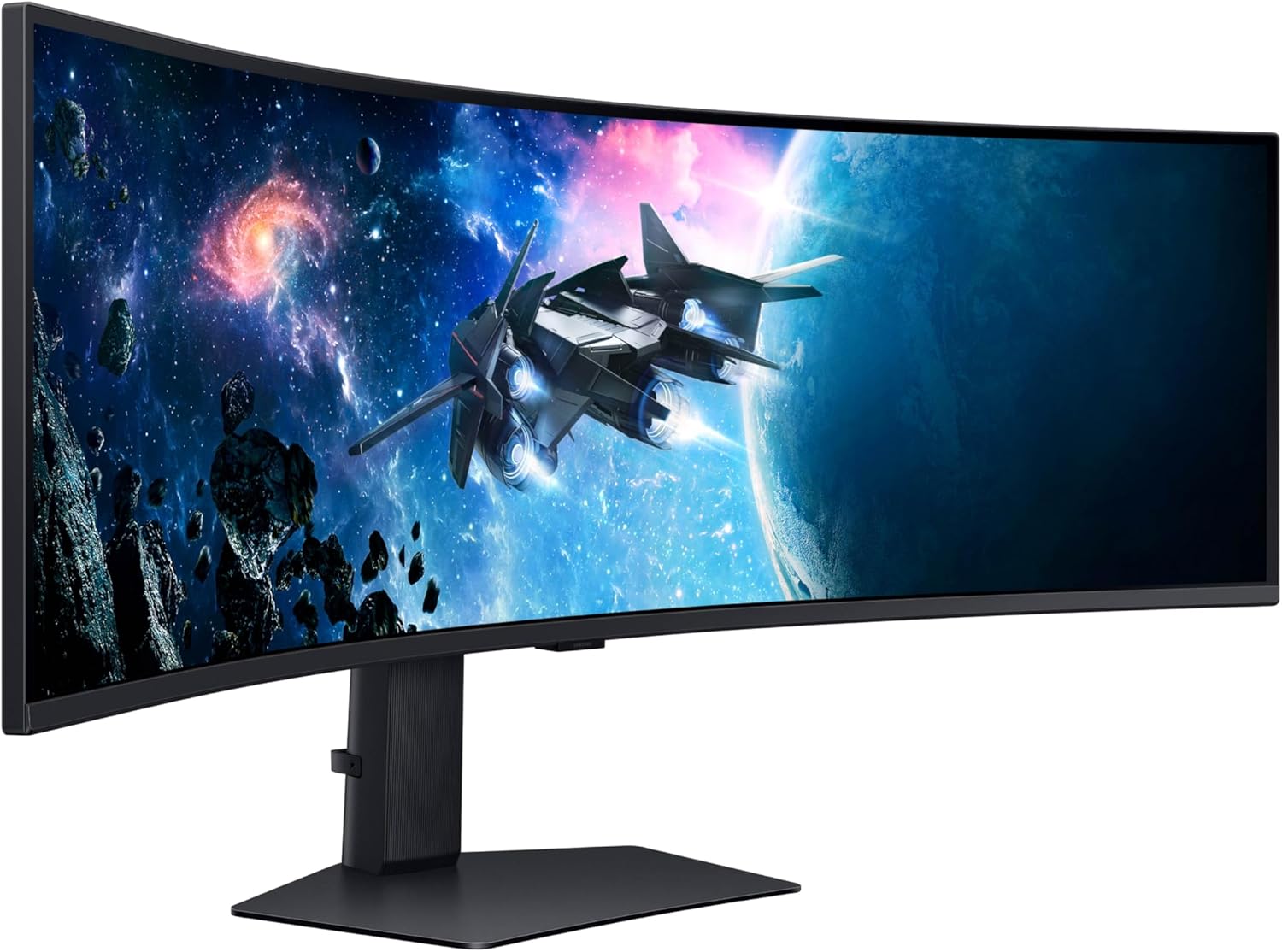


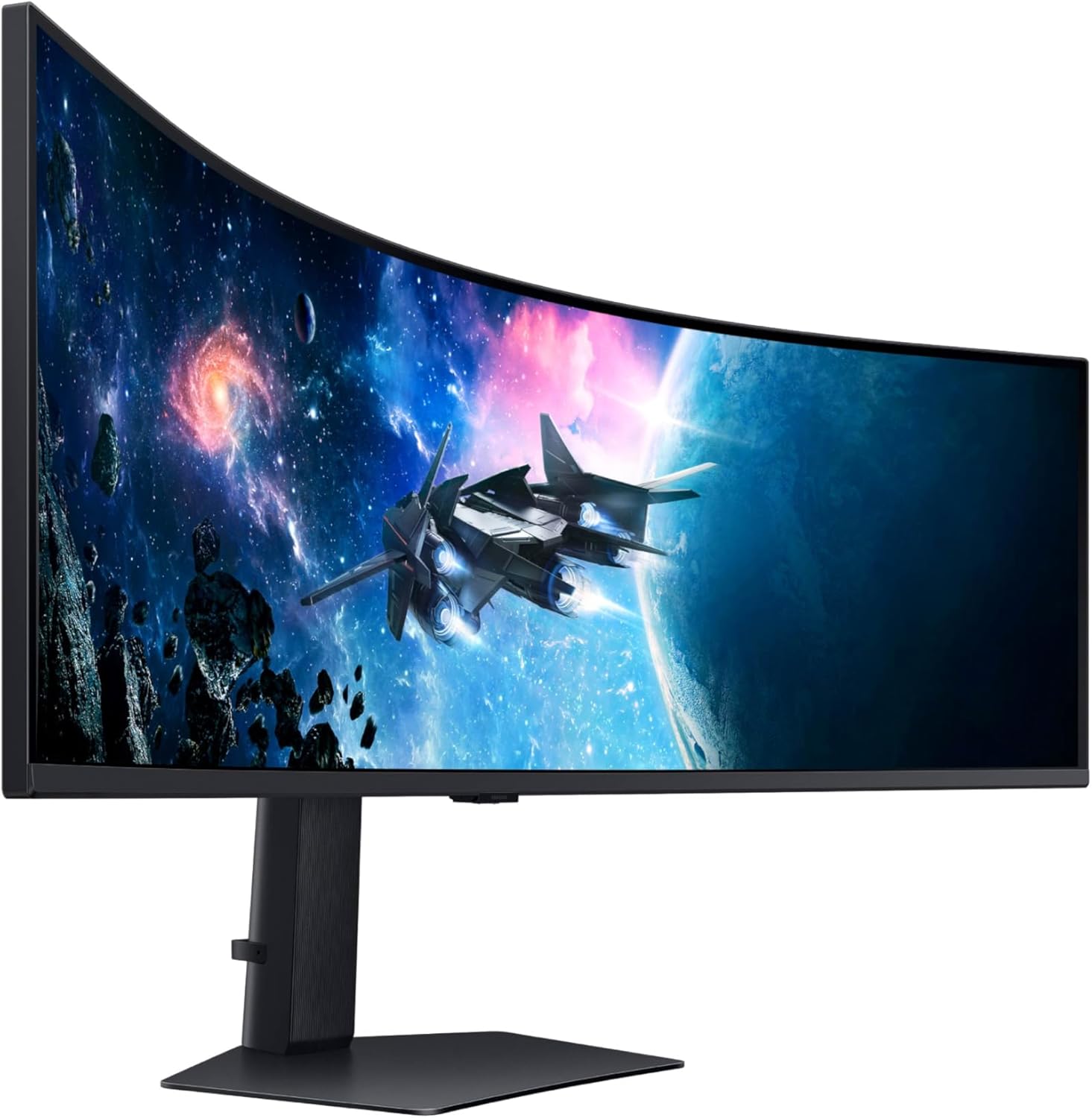

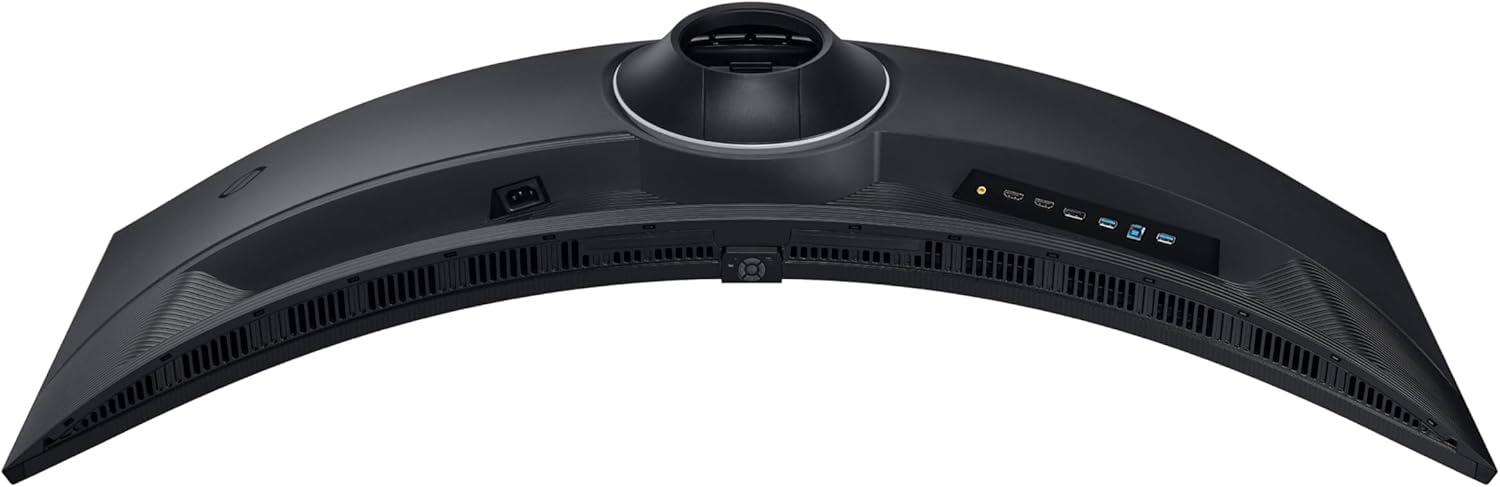

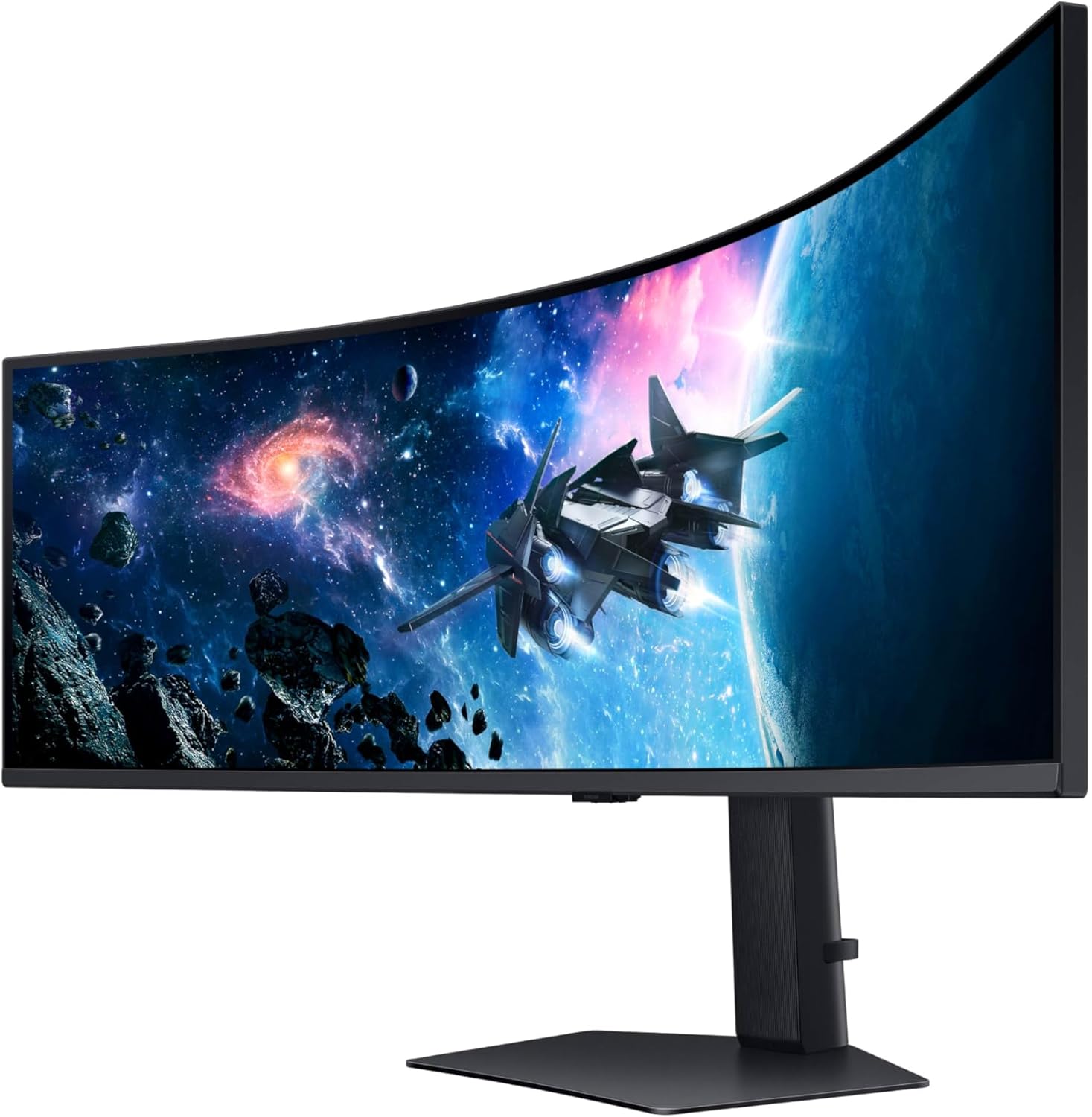


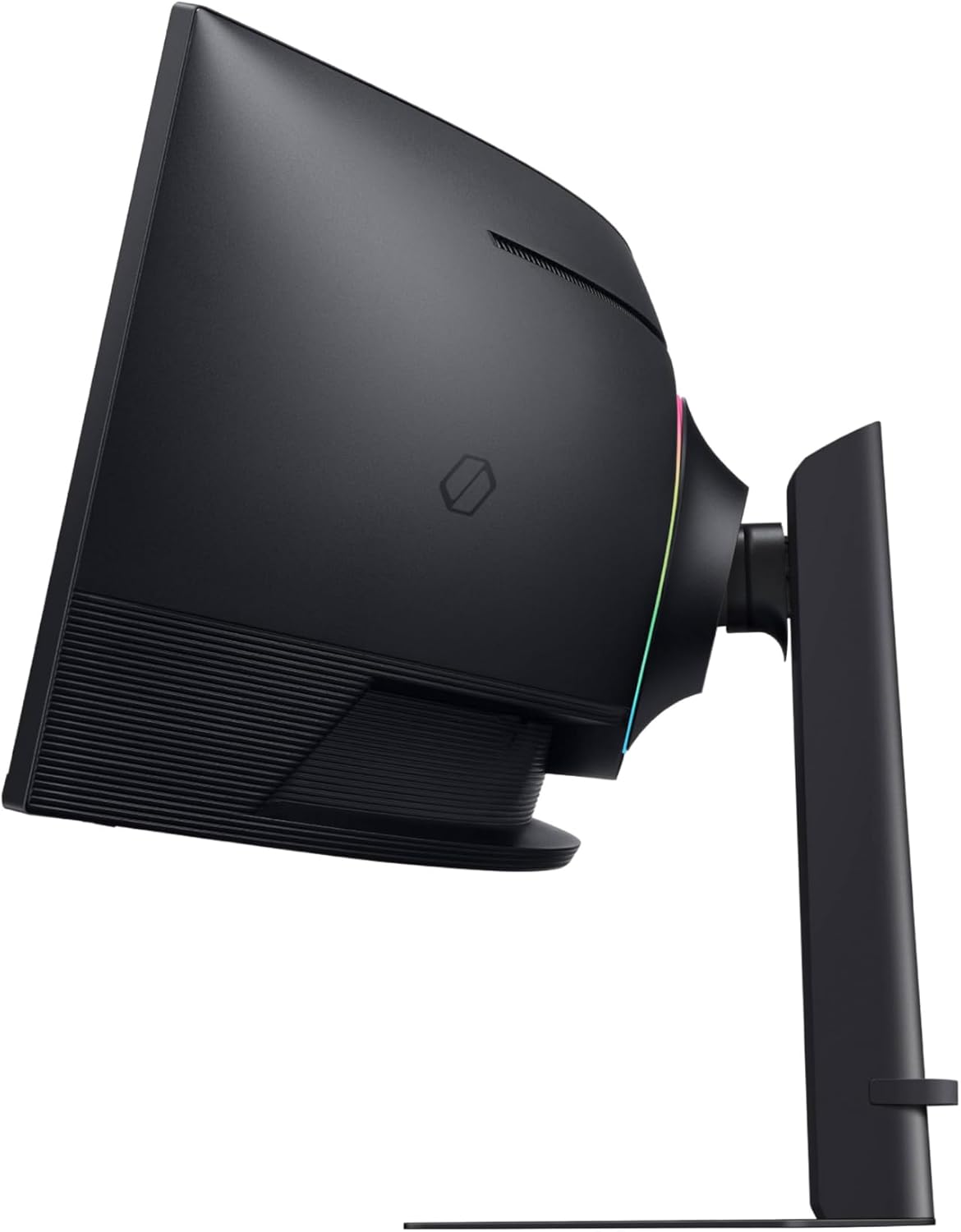


Experience immersive epic play with the G95C Odyssey Monitor, featuring a 49″ screen with 1000R curve and Dual QHD resolution for full peripheral vision with maximum detail. 240Hz refresh rate, 1ms(GtG)* and AMD FreeSync™ Premium Pro gives you a competitive edge with hyper-fast action. VESA DisplayHDR 1000 brings nit peak brightness and 1,000,000:1 contrast ratio for intensified color and depth. CoreSync & CoreLighting+ enhance the space around your screen with amazing color. Ergonomic stand enables you to swivel, tilt, and adjust height to find your winning position. Picture-by-Picture and Picture-in-Picture offer versatility, while Auto Source Switch+ gets you to your gaming action faster. Adaptive Picture and Eye Saver Mode minimize eye strain, day or night. *”1ms” means one millisecond which is the range of average response time between 1.00ms to 1.99ms truncated to a whole number. Based on GtG measured under internal test conditions. Results may vary by content and monitor settings (requires ‘Extreme mode’ setting). GtG (Gray to Gray) measures the time taken for a monitor pixel to change from one gray value to another. **Image simulated for illustrative purposes. AMD FreeSync™ Premium Pro is supported by Radeon Rx 200 graphic cards and subsequent models.
WRAP YOURSELF IN ADVENTURE: Experience heart-pounding gaming with vivid scenes wrapped deeply around your field of view; The 49′ 1000R curved screen with Dual QHD resolution enables full peripheral vision and draws you in
REVOLUTIONARY RESPONSE TIME: Conquer every enemy with extreme speed; A 240Hz refresh rate eliminates lag for ultrasmooth action; 1ms(GtG)* response time allows for blur-free frames and minimized ghosting
CATCH THE DETAIL, DEFEAT YOUR ENEMIES: From gloomy shadows to sun-scorched scenes, 1000 nit peak brightness and 1,000,000:1 contrast ratio enable enhanced color expression and depth
IMMERSE YOURSELF IN SMOOTH ACTION WITHOUT DISRUPTION: Hyper-fast action made seamless; Complex and fast-moving game scenes are projected smoothly and stutter-free with AMD FreeSync Premium Pro.
DESIGNED TO MAGNIFY YOUR IMMERSION: With CoreSync technology, a game’s on-screen colors are projected into your real world to further immerse you into the setting; With new Core Lighting plus , add amazing color to your setup for an instant vibe shift
EXTEND WINNING STREAKS IN COMFORT: Swivel, tilt, and adjust the height until you’re set up for victory; With Hexa stand and fully compatible VESA standard monitor arms, the screen can be moved effortlessly to your ideal position
YOUR STATION YOUR WAY: Game, watch, and chat—all at the same time; With PBP, view video, picture, or data from two sources simultaneously in their native resolution; Use PIP to resize the second source to up to 25% of the screen
GET TO YOUR GAMES FASTER: With Auto Source Switch plus , your monitor detects when connected devices are turned on and instantly switches to the new source signal; This gets to your game action faster without flipping through multiple input sources
KEEP IT EASY ON THE EYES: Care for your eyes and stay comfortable, even during long sessions; Advanced eye comfort technology, certified by TÜV, reduces eye strain by minimizing blue light and reducing irritating screen flicker
OPTIMAL BRIGHTNESS, OPTIMUM ENJOYMENT: With Adaptive Picture, a sensor detects surrounding light and adjusts brightness automatically; Watch dark, gritty dramas without straining your eyes to see the picture, even in broad daylight
5 reviews for Samsung 49” Odyssey G9 Series DQHD 1000R Curved Gaming Monitor, 1ms(GtG), VESA DisplayHDR 1000, 240Hz, AMD FreeSync Premium Pro, Height Adjustable Stand, Ultrawide Screen, LS49CG954ENXZA, 2024
Add a review

$849.99
Buy It For Life –
Amazing and huge
Amazingly responsive, amazingly large, amazing.I upgraded from a 32” curved monitor and a 27” regular monitor to this beast as my solo monitor.Much better on my eyes and neck to have one big screen vs two screen looking back and forth. Great for work!For gaming, it’s very immersive but due to the large size it makes games that have huds or minimaps on the edges scale weird. Depends on the game to ensure wide screen compatibility.Highly recommend though do be warned, it’s very large and heavy. Honestly I’m thinking 38-42” is probably plenty.Also, for gaming, a second monitor is nice for discord/youtube, but split screening on one screen even though it has enough real estate just killed immersion or was too distancing. Be aware due to the size and curve you likely won’t be able to have a second monitor on your desk or in an ergonomic position.
Amazon Customer –
Awesome upgrade
This ultra widescreen monitor is perfect for me to do work on. Now I can have 8+ terminal windows open watching Claude vibe code my projects. Gaming on it is almost overwhelming. Good price for such a visual upgrade.
Justin A. Price –
Absolute stunner of a monitor
This behemoth is an absolute beauty. It looks stunning, is perfectly sized, and mounted easily and securely to the heavy duty monitor arm I purchased alongside it. The 1000R curve is perfection. I tried one with an 1800R and did not like the angle at all. I couldn’t find a comfortable distance to view the screen from. This feels perfect from any distance. I wired it up to both HDMI and DP on my one PC to simulate a dual monitor setup. Coming from a dual monitor setup, it just feels better than using the whole screen during my work day. But then I can turn off PBP for gaming and turn off one of the display panels in Windows. And Windows is smart enough to remember my monitor config when I swap between the two. As for gaming, it’s incredible to see one running across this whole thing. Some games aren’t exactly widescreen compatible, but most I’ve tried at least have a 32:9 resolution available. And I can certainly see the difference of the 240hz. Everything is so smooth, even just scrolling a webpage. Games do take a little more power than before, but I’m on a 3080 and it’s handled everything I’ve thrown at it like a champ. I am very happy with this purchase especially since I caught it at $799.
Oz –
Not so bright (of me buying it). It’s been in a box longer than on a desk.
I’ve had this since October 2025 and haven’t been able to use it for more than a week. It has now been serviced twice by Samsung (well, their outsourcing repair company they use in Florida). These guys don’t fix anything, they just swap main circuit boards. Fine, SMD troubleshooting is a lost art. As an Electrical Engineer myself and via some online research, I know what the issue is. The problem is a design flaw that Samsung refuses to acknowledge, likely due to the cost of a major recall or simply ineptness. The flaw is a bad thermistor on the main board. This component is meant to sense abnormally high temps and prevent further more expensive thermal damage. However because of a bad design (wrong placement, improper component specs), this component trips and your left with functioning back lights without any logic board (on screen display or video signal). Online, people have simply desoldered the component if they were out of warranty. However, I am still covered under warranty for another 3/4 year so I will play the game to watch hilarity ensue. The issue is, I keep having to work from home so these “repair” guys can come out to swap a part. What happened so far:Dec 2nd – Ticket was created for repair (don’t get me started on the 90 minute chat session)The following week the main logic board was replaced. Worked for ~4 hours in the office and then POOF. Had to pack it up (its at work) and bring it home.Dec 11th – new Ticket – same symptoms….another at least 60 minute chat session where we spend 90% of the time talking about “did you unplug it and plug it back in” – how novel. The guy came out and replaced the board and the entire LCD panel. He powered it up to prove to me he “fixed it”. I pointlessly described to him that it will fail again since the core design is bad. He just looked at me as if I spoke some Klingon dialect banned centuries ago for being too nerdy. Boy this is getting expensive for Samsung considering paying this third party to drive out…Dec 28th (today) – new ticket – same issue. This time I decided to put the monitor on the kitchen table and give it a good 24 hour burn in to avoid having to haul it to work and home again. It ran for a total of ~30 minutes before failing. Wonderful, the failures are getting faster – maybe it will fail next time when the guy is onsite. This time I was able to reach a human in some far away call center. Another 60 minute call – a call where the guy was asking me if I had two tickets before or if it was fixed twice under the same ticket. Bewildered why he was asking (don’t they keep records??? what kind of junior operation is Samsung running?). Anyway, I dug up both ticket numbers and he wanted to argue that one of the tickets was canceled. Ok? Whatever – you guys figure your internal paperwork out and leave me out of this. I can lecture you about electrical design issues, but I suspect he would have about the same interest as me being intrigued by his internal ticketing system.Anyway, here we are. Now we wait for the local service center guy to call and proceed to tell me first available is ‘some’ Wednesday between the hours of 9am and 4pm. I will proceed to schedule another work from home day and they will proceed to swap boards they already swapped. Rinse and repeat. I’m actually curious how long this can go. I have plenty of time and I don’t really NEED a 49″ at work – most of the guys love to come around and laugh and my ridiculously sized monitor layout on my desk and then laugh harder as I have to haul this monstrosity away. I guess my goal should be “let’s hope it works this time” instead of the negative vibe I’ve somehow managed to whip up of “Let’s see how much we can drain Samsung- maybe the design engineer in Korea will find out and resolve issue at its core”. Whatever, I’d say buy an LG monitor instead (never had any issues with multiple TV and monitor products, but that could simply be luck.Update: January 9th. After a ton of back and forth calls to Samsung, they finally gave up sending someone out to “fix” the unit. Instead, they offered a refund which I accepted. They’ll be sending a truck out to the house to pickup the unit and (?) dispose of it. After its picked up, I’m supposed to be issued a refund. One thing for sure, I am not going to purchase another Samsung monitor. Total waste of time considering being without a monitor for now 3 months.
Eric G. –
Best Monitor I’ve Ever Used
I ordered this as an ‘open box’ item in ‘like new’ condition. The product was received in it’s original packaging and wasn’t missing any pieces. There were some VERY MINIMAL scratches to the very top bezel but you can’t see them when sitting in front of the monitor, and even if you’re looking for them they’re hard to see. I would say I am very satisfied with the price that I paid and the condition that I received the monitor in.The screen quality is AMAZING, the refresh rate and color quality are insane and the field of view in most video games feels almost like a cheat. It’s also great for work, I work in IT so I often have many VM’s, programs, and remote connections open on my device at the same time, this monitor makes it INCREDIBLY easy to multitask and switch between windows.If you’re a fan of having a lot of desktop space then this monitor beats the hell out of having 2 separate monitors. If you’re considering this for work as well as gaming then I’m here to tell you that the price is absolutely worth it.Attached is a picture of League of Legends on this monitor, look at that and tell me that this monitor doesn’t give you a tactical advantage when playing games!