

Samsung 43” Smart Monitor M7 (M70F) 4K UHD Display, Samsung Vision AI, Smart TV Apps, Gaming Hub, USB-C, HDMI and USB-A, Black, LS43FM702UNXZA, 2025
$399.99
Related Products




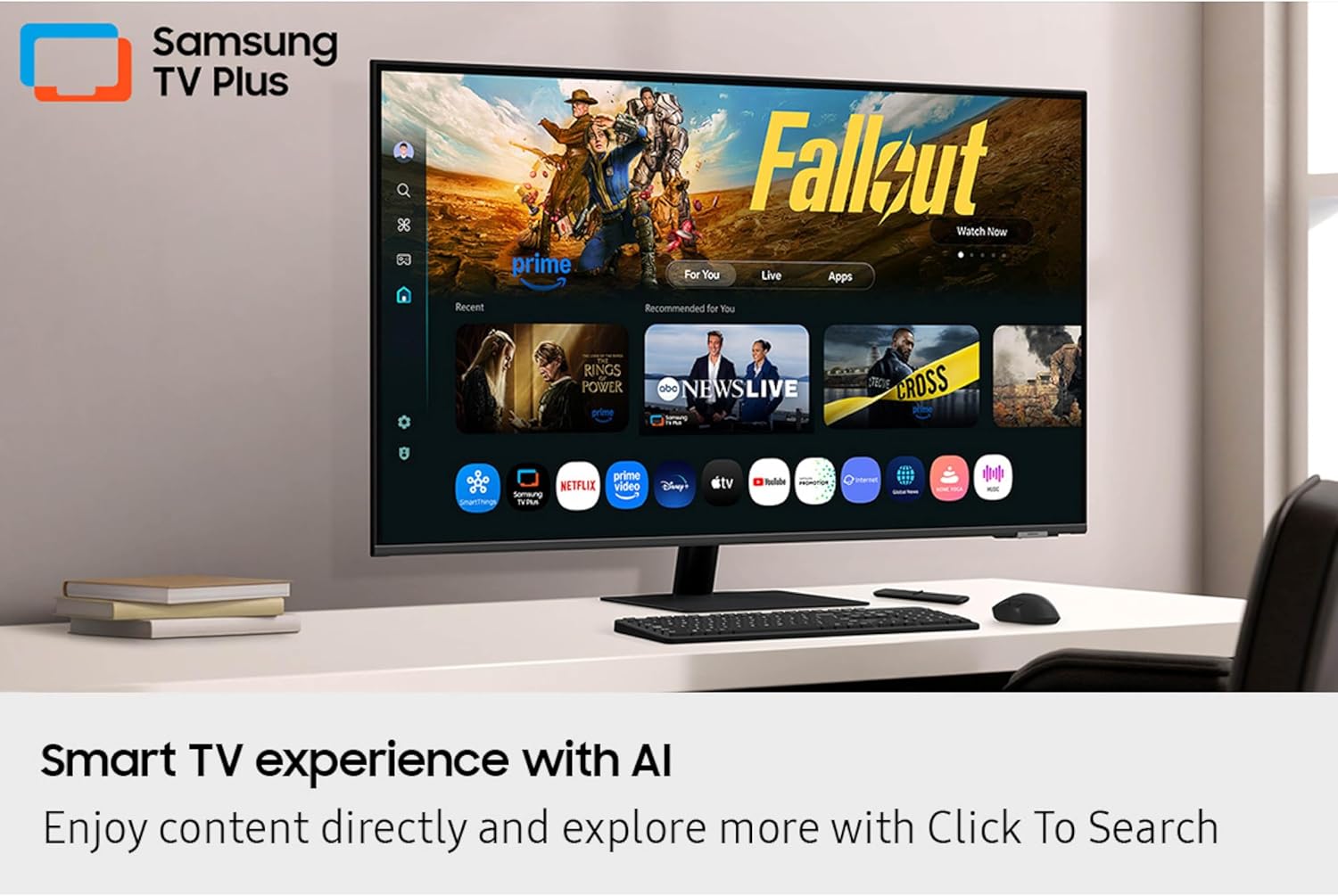



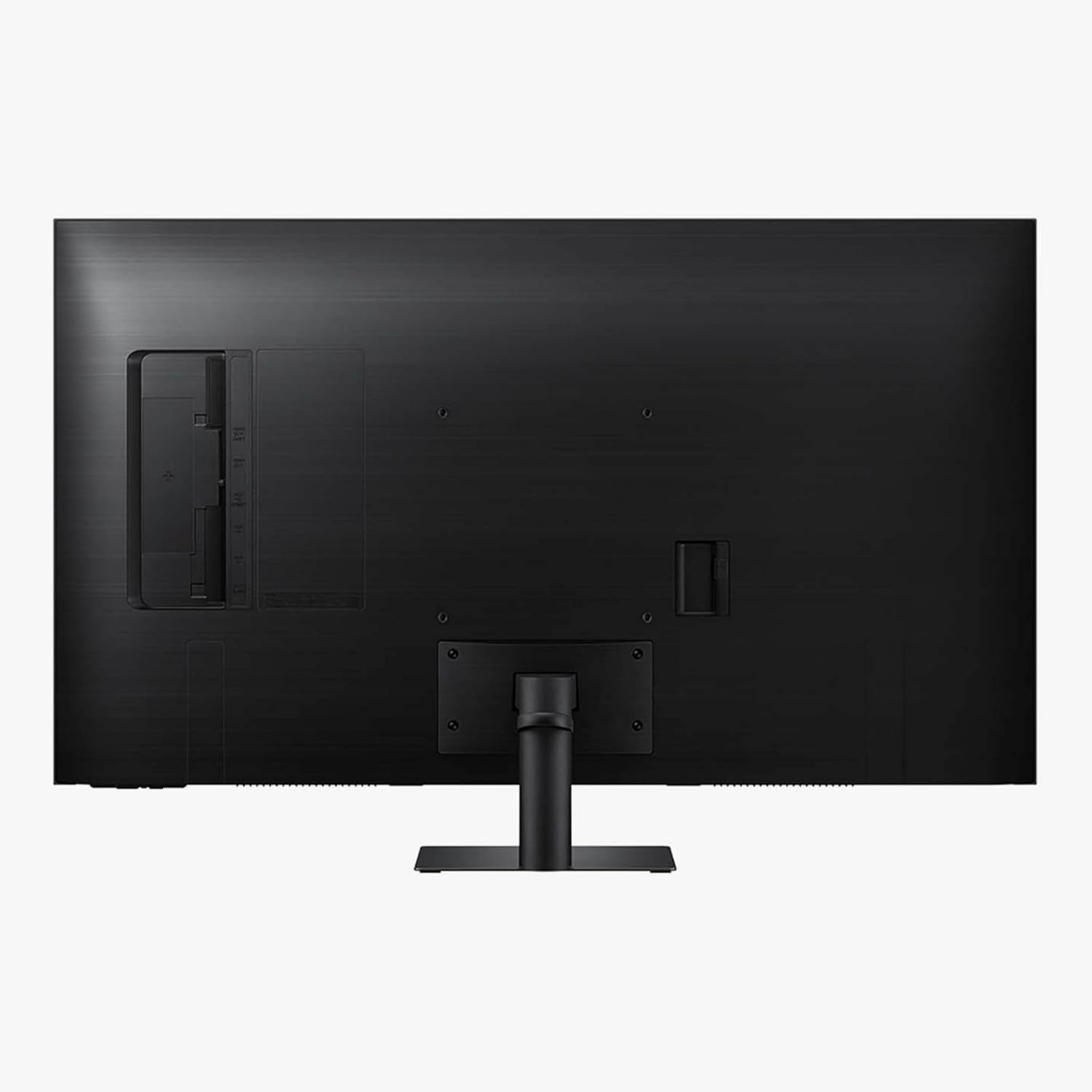
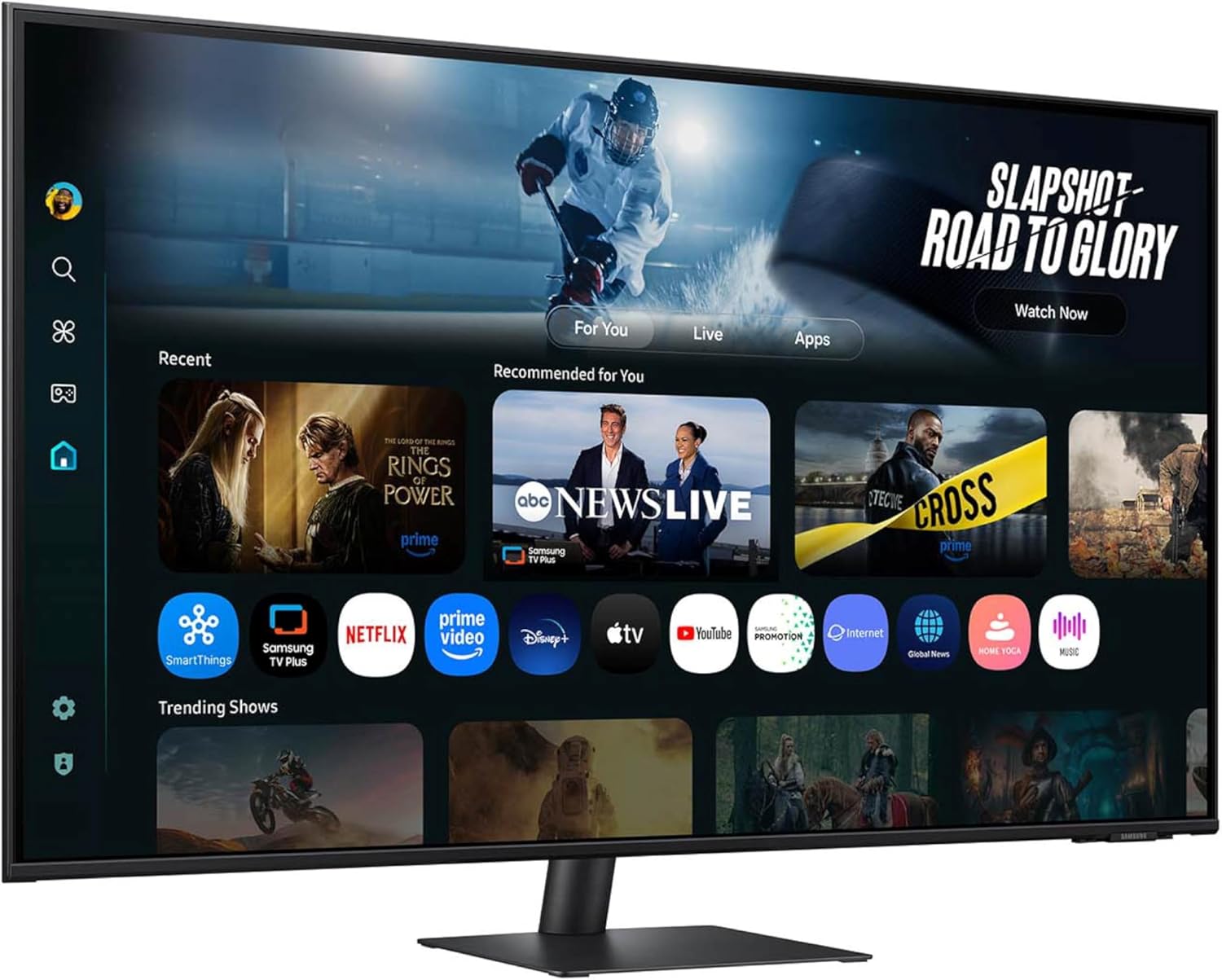
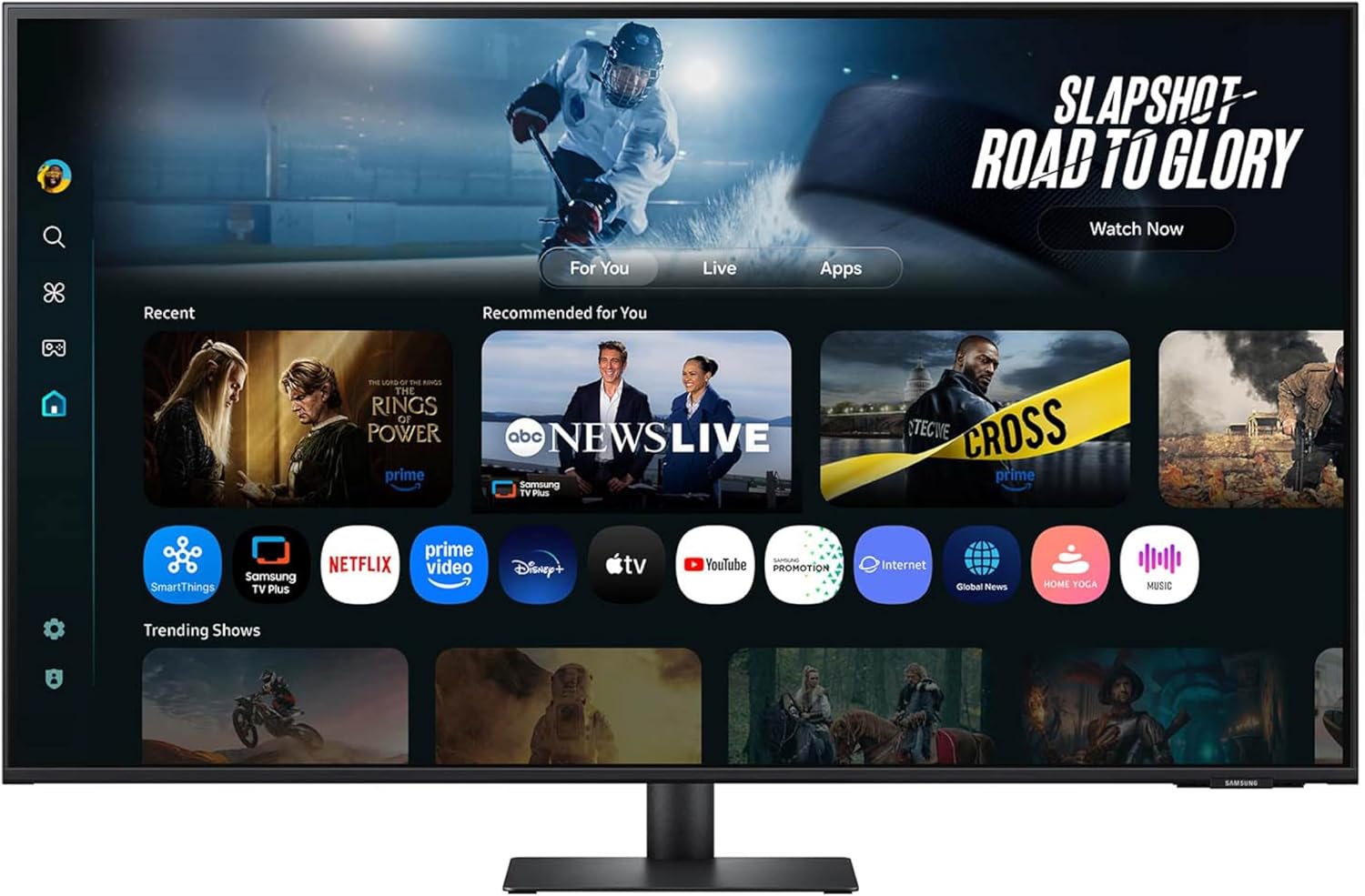

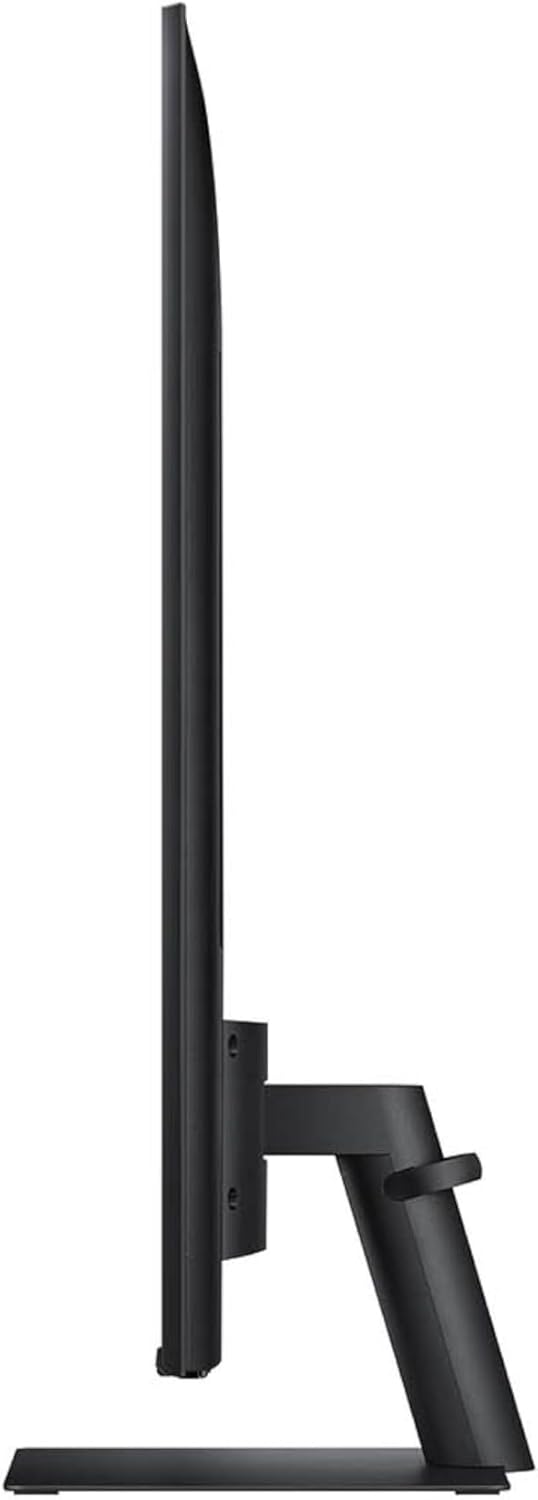


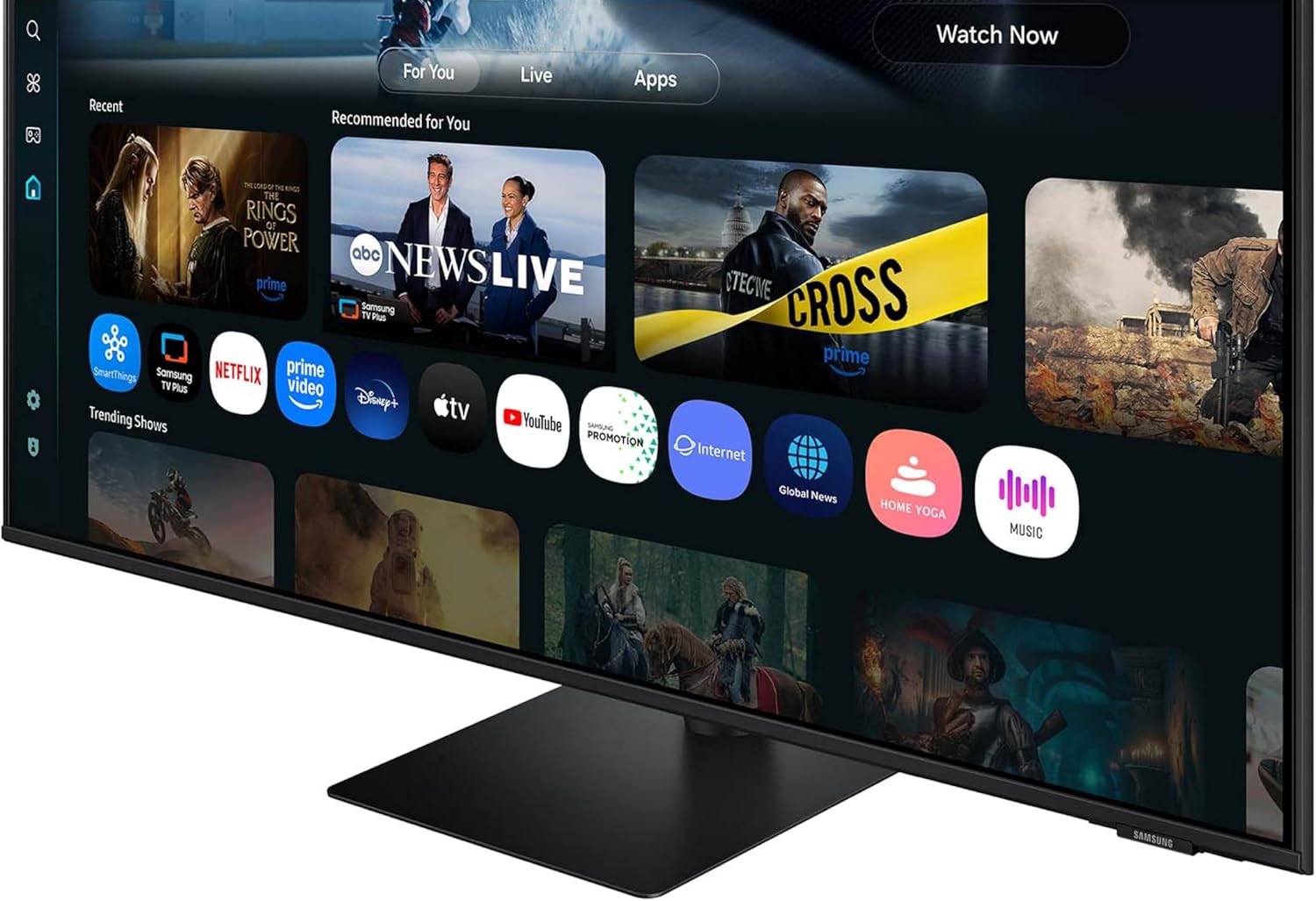

Samsung’s 32” M7 Smart Monitor brings AI-powered intelligence to your setup with smart features that adapt to how you work, play, and watch. Smart TV Apps provide instant access to content, and Samsung TV Plus offers additional streaming options. You can launch shows, movies, and more without needing a separate device. The AI Picture Optimizer adapts the visuals for optimal quality whether working, gaming, or watching videos. SmartThings enables control of connected devices, turning the monitor into a central IoT hub via mobile or voice command. Knox Security keeps data safe and confidential, plus it enhances the security of IoT connections made through the Smart Monitor. The 4K UHD display brings content to life in vivid detail with incredible clarity. Active Voice Amplifier adapts to noisy environments and automatically adjusts volume. Click-to-Search offers content details. Gaming Hub enables access to the biggest games from top streaming partners with no PC or console needed.
¹Features, services and app availability may vary by country and region. Samsung TV Plus and Universal Guide may not be available in some regions. Some features may require separate subscriptions. The user interface is subject to change without notice. This Smart Monitor does not include a TV tuner, which is not necessary for streaming apps. Internet connection is required. Remote control specifications vary by country and region. Keyboard and mouse control compatibility varies by app. Access to the full range of smart features, such as network-based services, applications (including games and streaming services), and smart home functionality, requires a Samsung Account. Without logging in, functionality is limited to external devices, e.g. via HDMI. You can sign up for a free Samsung Account at https://account.samsung.com. Terms and conditions apply. ²
INSTANT ACCESS TO YOUR FAVORITE STREAMING CONTENT: Stream content directly from your monitor, or tune into Samsung TV Plus to get live channels and on-demand content.¹
OPTIMALLY TAILORED VISUALS WITH AI: Experience optimal picture quality adjusted to your needs.² AI Picture Optimizer adapts the visuals to help you work on documents with comfort, get fully immersed in games with deep and rich blacks.
SIMPLE CONTROL FOR YOUR SMART HOME: See your smart home devices in a 3D Map View and manage them with ease.³ You can also check the energy usage and cost by device, and save money by putting them in energy-saving modes.
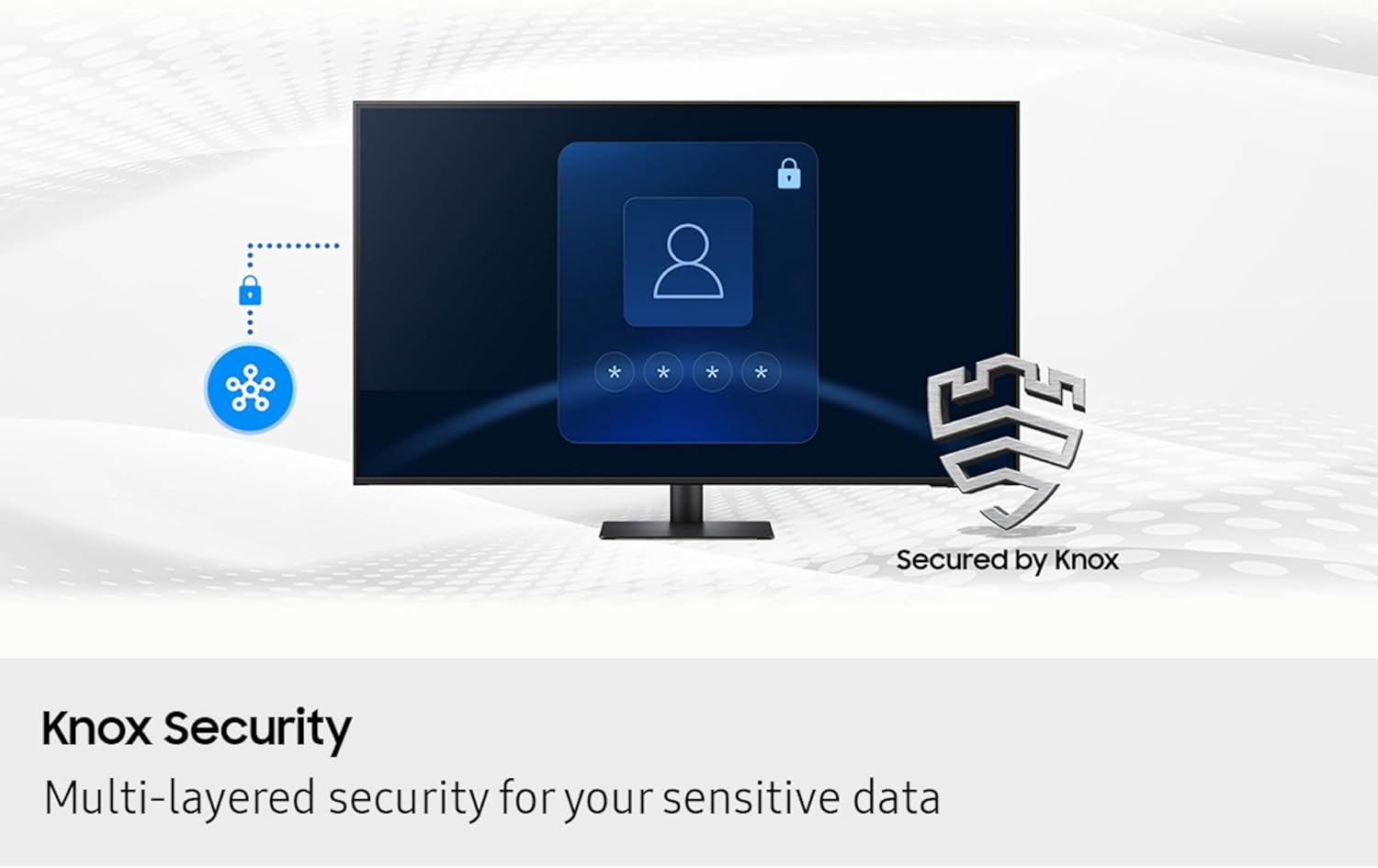
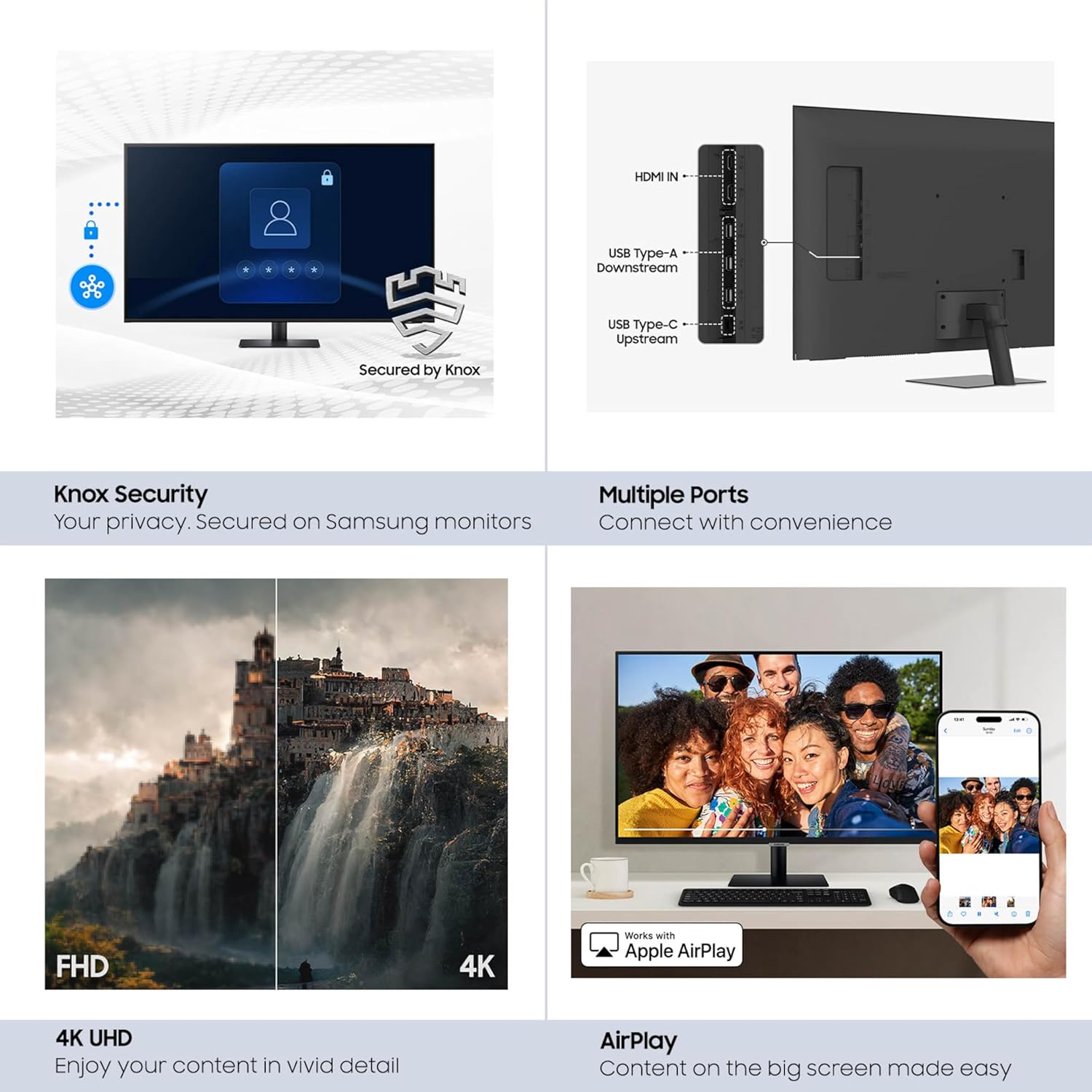
YOUR PRIVACY. SECURED ON SAMSUNG MONITORS: Keep your monitor data safe and confidential with Samsung Knox.⁴ Its robust, multi-layered security and tightly controlled access also enhance the security of your IoT connections made through your Smart Monitor.
ENJOY YOUR CONTENT IN VIVID DETAIL: Watch your content come to life with incredible clarity.⁵ 4K UHD resolution enhances even fine details in images and videos, making worlds feel more vibrant and realistic.
ADAPTS TO NOISY ENVIRONMENTS: Hear words clearly with AI technology.⁶ Active Voice Amplifier analyzes background noise around the monitor and automatically adjusts the volume of your content, so you can catch dialogue effortlessly – even in loud settings.
DISCOVER WHAT’S ON YOUR SCREEN: Enrich your viewing experience with Click to Search.⁸ With just a click, you’ll instantly get content recommendations and details on what you’re watching – so you can explore actors’ biographies, filmographies and more.
ADAPTS TO NOISY ENVIRONMENTS: Hear words clearly with AI technology.⁶ Active Voice Amplifier analyzes background noise around the monitor and automatically adjusts the volume of your content, so you can catch dialogue effortlessly – even in loud settings.
CONNECT WITH CONVENIENCE: Connect your gadgets without any adapters. With USB-C, HDMI and USB-A ports, you can charge your device, transmit data, and make the most out of your multi-screen setup – all at once.
13 reviews for Samsung 43” Smart Monitor M7 (M70F) 4K UHD Display, Samsung Vision AI, Smart TV Apps, Gaming Hub, USB-C, HDMI and USB-A, Black, LS43FM702UNXZA, 2025
Add a review

$399.99
Tony E. –
Big, Bold, Sharp… Awesome.
This thing is BIG.For my daughter’s birthday. To replace a 32″ and a 27″…First reaction, after setting it up. was.. Holy!!!! And we started giggling. I had to put on my cheaters to read it. This thing is BIG, BOLD and BEAUTIFUL.After setting it up, I came back to my desk where I have a curved 35″. My first reaction was… “Darn, this thing is SMALL”.Wife doesn’t want me to get one for myself. Sure, sure… my birthday is coming soon.Two things about it ( and no stars deleted )..(1) It’s flat. So, you might have to move your head about more than on a curved screen. We have the LG curved screesn (34 and 35) and their curvature is perfect, not as much as the Samsungs that sort of put your head in a vice.(2) It’s big. You will need 26″ between your desk and any shelves about it. Also, a 40″ wide desk is the minimum. And if you want to put speakers at both sides of the desk, you will need 56″…(3) There’s about four inches from the bottom of the display and the desk and it sticks out about 7″ so you can put slide in things like a KVMswitch, small DAC, headphone amps, web camera, etc…Daughter says that at 60Hz it’s too slow for some of the fast action games, but for her -and 99.99% of us- this is a perfect desk. So, now, for Christmas, I need to shuffle my office to make room….I guess it will also make a TV since it has a bunch of apps and what not. I supposed we need to try the USB-C connection and wired ethernet. Right now we just connected it to our WiFi and a laptop to test it out.
Adrian Thomas –
Great monitor
I use this as monitor for my MacBook and love it. The 32” screen is the perfect size, picture quality is great, and the design is nice.
Watch collector 99 –
There are minor differences from most AV gear!
Some assembly required! And then all of the AV connections are 90 degrees to the left of the plane of the rear panel. Nothing is a direct forward plug in at the rear of this unit, i.e., you cannot see the connection you are trying to plug into unless you move to the side and turn your head to see the receptacle you are trying to get your plug into from left to right.There are two HDMI receptacles and two USB ports, so connectivity is limited. This unit is a computer monitor that has WiFi reception as well as a smart TV capability.Instructions are in the form of pictures. The remote is on the very small side.
J. Yu –
Great monitor for the price
I am ordering this as a replacement monitor. It was annoying to set up because it desperately wants to be a smart TV, and so had to look up how to override the TV settings and adjust the settings. It has poor blacks and the contrast is middling, but the resolution is crisp and the screen real estate is top notch for work. In also happy because the price is very good.
Lawrence Tuik –
Just what I need for large computer monitor
I only have had this monitor for two months now but I am very pleased with it. I do engineering drafting and this is perfect when I need a larger monitor screen for blueprints. I love it to watch movies and YouTube videos on it. It’s huge especially when you’re just a couple feet from it at your desk, and with a sound bar hooked up to it, it’s amazing.
GERSHOM A. –
Missing bolts.
Thankfully, the monitor arrived without damage. Also arrived without the very small bolts to mount the huge monitor to the stand. Got on a chat with Amazon. After chatting with THREE associates, I learned that Amazon doesn’t send replacement parts. Samsung would have to do that. Seriously? Amazon offered to pay some compensation for the bolts, which of course did nothing to solve my issue. They offer to ship me another monitor to replace the one I have. I said let’s wait – maybe I can find the bolts at a hardware store. They agreed to that. So of course the next day someone shows up at my house, without authorization from me, to take back the monitor. In the interim I spent a frantic 45 minutes at Home Depot to find the M5 by 16mm bolts I needed, plus washers. Was able to attach the stand and monitor. Thereafter set-up was excruciating, as I have never used a virtual keyboard before. After 45 minutes of cursing and fuming, I finally got the thing to get to the desktop. Criminy! So…monitor is huge, and works very well. But the instructions without words are nearly useless. Would I buy another one? Probably not, because the hassle involved with this one was not worth the purchase price. Quality control to ensure all the parts are there is very necessary.
jim miller –
Good
Great value for the money, but it’s incredibly complicated! Comes with its own remote which is completely unnecessary. I would have preferred to Simply have a monitor that turns on when I push the power switch.
Craig H Casey –
Love Samsung, don’t love this monitor!
I love and own Samsung everything but this particular monitor combination disappointed. Is neither a great monitor and or TV. I play with settings and just could not get it to display properly, the image is washed out. Go back to the drawing board Samsung.
Osky –
Muy buena calidad y muy intuitivo para su uso
Steve –
I was worried that this device’s “smart” features would get in my way, bombarding me with all sorts of stupid menus and stuff. But in regular use it does not. In the “setup” phase I deliberately skipped everything to do with wifi and online services. What a dumb bunch of “smart” to include on a computer monitor – it is, after all, connected to a computer which should already be able to do all that crap if I really want it.I bought it because I really wanted to maximize my screen real estate for music production in Logic on my Mac. A couple years ago I bought a 32” LG 4K display, and was disappointed when I tried to run it at full resolution because everything was too small on the screen to be legible. With this 43”display I can work in full 4K and it is very usable. The picture is vast and sharp.I have noticed when standing up in front of my desk and viewing the picture from above, the contrast is noticeably washed out, worse than other monitors I’ve owned, but I have never had a monitor this big. For me a little off-axis contrast deficiency is a worthy tradeoff, since I generally don’t do any colour/graphic work.The pedestal has no height adjustment, although it does offer a small amount of diagonal tilt abd side-to-side pan.The included remote control is small and light – unlike typical Samsung TV remotes. I don’t mind being forced to use it (the monitor has no front panel controls), but I’m sure I’ll be cursing when I inevitably misplace it from time to time over the next few years.I’ve only been using it for a week or so, but I’m 100% sure I’m keeping it. It performs as well as I could have wanted, and IIt’s the best value I could find in a monitor with these specs.
Samuel F. –
I wanna start off by saying that I am a big fan of Samsung. Second to Apple, it’s my favourite company for tech and appliances for the value/look of the products. I purchased the 32 inch ultra wide Samsung monitor last November for a few hundred dollars on sale. For the price I was satisfied with the monitor but did find the pixelation a bit annoying and was starting to consider going up to 4k or higher. After moving into my new studio apartment I’ve started using my monitor as a TV sometimes so I wanted something that could play TV independent of my computer so I can use it as a laptop without the need for any cables but then serve as a great primary display when at my desk.Problem 1 – This product which on paper fits all of my criteria but unfortunately I’m not sure it will work. While the resolution is visibly good when looking directly at it, the matte finish on it creates this annoying smudgy quality to it that even the better resolution can’t fix. It made me realize that a good part of my problem with the other display probably wasn’t even related to resolution. It’s a very unfortunate problem and one I’m not sure I want to continue dealing with. I personally find glare from a glossy screen less distracting than the blur caused by matte finishes.Problem 2 – The other thing that is probably a deal breaker for me is the fact there is no audio out on this smart monitor which is very WEIRD since this is supposed to serve as a TV also. I’m coming from using my MacBook Air with Bower&Wilkins M5 computer speakers. The sound quality compared to those is the equivalent of a tin can on a string. That is me though coming from really high end speakers which with this screen I could continue to use with my laptop but not my TV which sucks. I think it’s a great package for some people but I’m pretty picky and don’t know if this product will work for me.Also see lot’s of 1 star reviews about it arriving broken which is like – your shipping something by mail… that will happen sometimes (however I had no issues with this one or my previous one either).
Yash Kadam –
Good monitor, good sound! 4K with HDR
J. Wang –
When I was trying to set up the monitor, I was asked to create a Samsung account, then it kept saying my account is temporarily locked. I contacted support 4 times in 2 days. All they asked me to waited “a few hours”, “6-7 hours”, “24 hours”. They still can’t unlock my account. What a terrible software!