
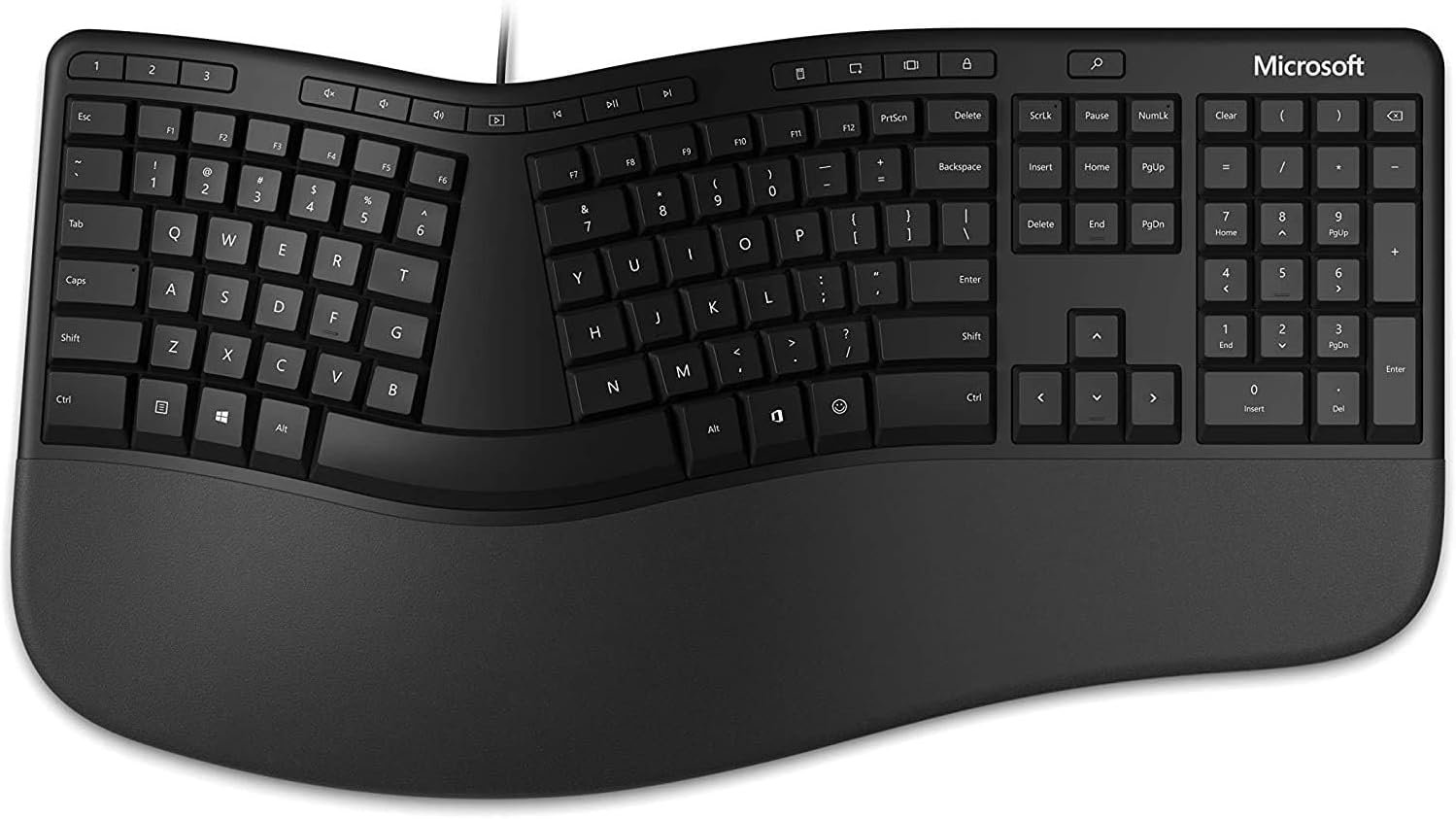
Microsoft Ergonomic Keyboard for Business – Wired – Black
$199.99
Related Products


Work in comfort All day. Microsoft ergonomic keyboard reduces fatigue and delivers a slim, refined design with split keyboard and improved cushion and palm rest — Plus time-saving integrated number pad and dedicated shortcut keys. Wired design for reliable speed and accuracy over the long haul. Optimize your ergonomic workspace by pairing with the Microsoft ergonomic mouse.
Microsoft Natural Ergonomic Palm Rest Comfort Keyboard for Business – Wired
Exceptional comfort. Work all day, with reduced risk of fatigue and injury, on our Ergonomist-approved design.
Excellent support. Improved cushion and ergonomically tested palm rest covered in premium fabric provides all-day comfort and promotes a neutral wrist posture.
Be more productive with built-in shortcuts, including dedicated keys for office 365,* emojis, search, easy access to media controls, and more.
Designed to last wired for reliable speed and accuracy. Crunch numbers Fast, with a dedicated integrated pad. Compatibility: Microsoft Windows 10, Limited functionality Windows 8.1/7 (Office and Emoji keys have no function)

CydO –
Functional and cool
I love the softness of the keys and the angle of the keyboard. My job requires a lot of computer work as well as manipulation with my hands and arms so I bought this keyboard to help alleviate the stress on my wrists and hands. So far so good! I have been using a keyboard like this for almost a year now and I really like the way that it feels and looks, and I like having a talking point with my coworkers as well.
Laura R. Talbott –
Best Ergonomic Keyboard
Most of the people in our office use an ergonomic keyboard, and Microsoft makes the best one. While most prefer to use the wireless keyboard, the wired one works just fine as well. Great choice!
They do not fit cans of cat food. Shoddy product!! Can I give them a minus 5 stars? I’m throwing them away!!! –
High priced
It’s like my old one so that’s why I chose it.
Amazon Customer –
Great Keyboard – nice to see letters again
I’m very hard on my keyboards and usually wear off the letters. Once the keys are hard to push, then I have to search for a new one. The other MS I had was $300!!! yikes a lot, I thought. This one has less buttons, but the typing is very smooth. Love it.
Vito Budrys –
Missing item
Works fine. The description stated that an ergonomic mouse was included. There was no mouse.
Russell Hendlin –
Noisy – returned it
Noisy but otherwise good functionality. Solidly built. Logitech ERGO K860 is better.
Daniel –
Great wired keyboard
I’ve only had this for a couple of days but its a really good keyboard. Honestly its a slimer version of the 4000 which I had for many years. This one I like better.
Mike W Long –
Good keyboard, but one thing could make it better
I really like this keyboard, but not being able to pop feet out along the top edge bugged me. I had to go by some rubber feet to add to it so that I could give it the slope I wanted like the old ones used to have. I dont like the front adapter some of these had but loved the back little feet you could drop on the old ones. The other thing that caught me a little surprise was the placement of the del key next to the backspace key. It catches me off-guard every so often. Otherwise its a great keyboard.
Vikram –
Not good quality vs Microsoft scult and the price is crazy just found it for fraction of price elsewhere