

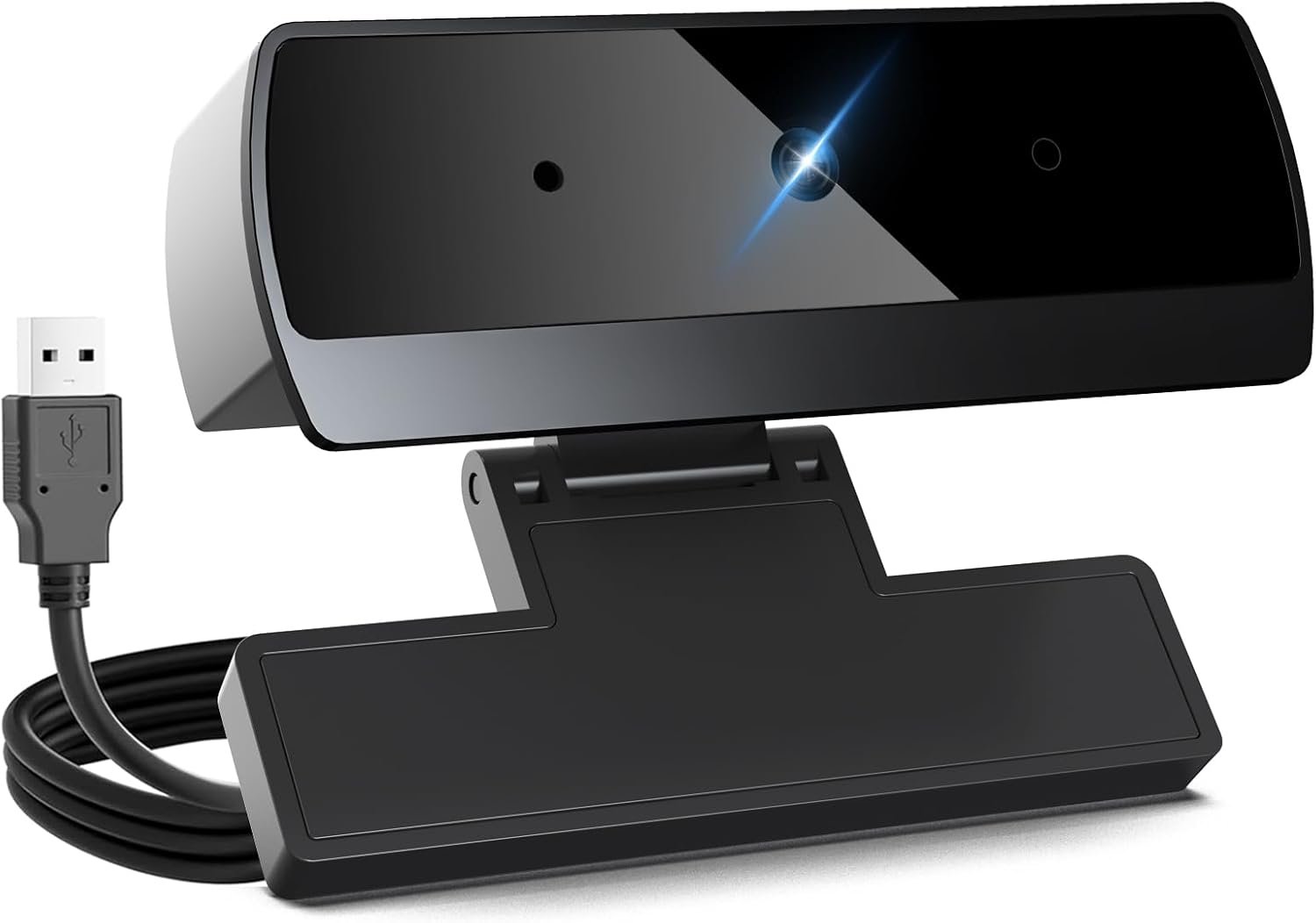
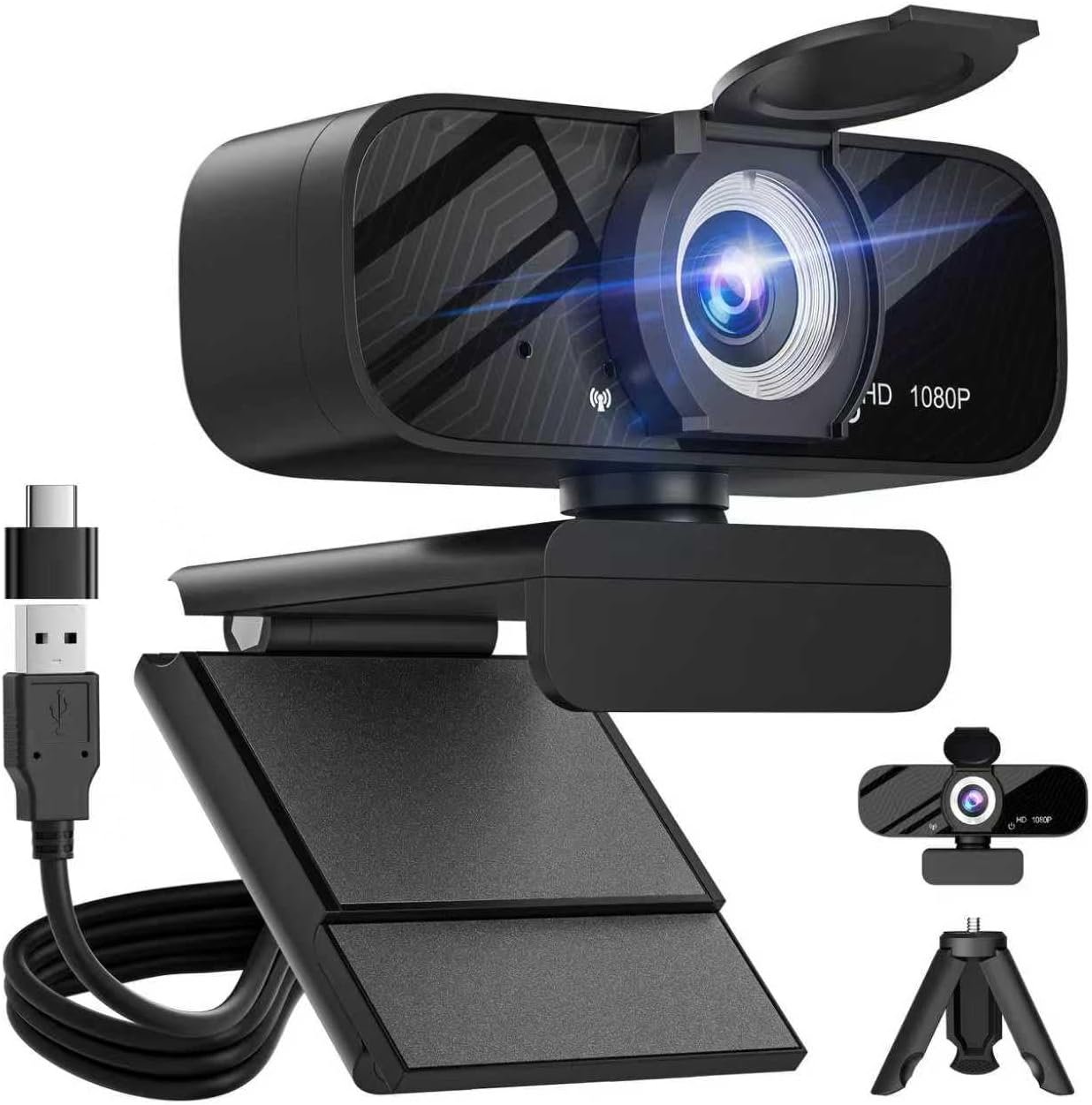
Halloween Gifts-Webcam,Webcams for PC,HD 1080P Web cam,Noise Cancellation,Plug & Play USB Webcam for Laptop, Desktop, PC, Mac, Zoom, Skype, Streaming
$7.99
Related Products







From the brand

DICCIK Webcam
At DlcClk, we take our products seriously and won’t letyou down. Our mission is to make quality products!

Diccik was founded by a team of engineers passionate about photography and technological security. They are committed to creating webcams that are clear, easy to use, secure, and reliable, making it easy for everyone to capture life’s most beautiful moments.
Webcam for PC


Connect the webcam
Connect the USB port to the computer port
Tips: When using a desktop computer, it is best to connect thewebcam to the USB port on the back of the computer, becauseit will be smoother to use.
No response after the USB head is inserted into the USB slot?
This device is a driver-free plug-and-play product, and there wil be no response when connected.
No image or sound when the camera is turned on?
The screen will not pop up automatically when connected.
You need to open the software you need to use it.
Is there a howling sound during the test call?
If you are testing the product, there may be a signa howling phenomenon in the near-field call.
Please try to talk to a friend who is a certain distance away.
The relationship between the camera imaging effect and the on site light environment?
There is a relationship, especially in the case of backlightside light, and dim light, the video effect is not ideal.
You can achieve the ideal effect by turning on the fill light or adiustingthe direction.
Some instant messaging software, the video effect is not as goodas the local video effect?
There is such a phenomenon, Because some communicatiorsoftware takes into account the bandwidth and call volume, it will compress the pixels of the video image to meet the purpose of smooth call. (For example: the original 1080P imaging, some communication software will compress the video stream to 720P.) So you see that the current video effect is not as good as the local one, which has nothing to do with the hardware of the camera.
High Compatibility & Multi Application- DICCIK K1 webcam for laptop is compatible with Windows 7/10/11, MacOS10.14 or later, Linux, Android TV 7.0 or later. The compatibility of the streaming camera is super wide for major software like Zoom, Facetime, Google Meet, Skype, YouTube and more. Whether this web camera is used for online studying/ teaching, home office, conference, meeting or video calling, the web camera is perfectly suitable for you 。
Full HD Video and Wide Angle Lens – The DICCIK High Definition 1080p Webcam features a wide angle lens and delivers crisp clear images and fluid video at 30 frames per second while gaming, video calling, online teaching, live streaming, or recording.
Built-In Noise – Cancelling Microphone – The noise-canceling microphone reduces background noise to enhance the sound quality of your video. Even in noisy surroundings, viewers can hear your voice loud and clear. Great for webinars, video conferencing, and live streaming.
Easy Plug and Play – Our easy-to-operate HD webcam works with USB 2.0, USB 3.0 and USB 3.1 and doesn’t require you to download additional drivers and it comes equipped with a 3.3ft USB power cable. Just plug the webcam into the USB port of your devices and use it right away(You need to open a video call to use it)
Automatic Light Correction – The camera components is equipped with automatic light correction technology and can automatically adjust the image brightness and restore color according to the ambient light, helping you achieve the best optical effect.
8 reviews for Halloween Gifts-Webcam,Webcams for PC,HD 1080P Web cam,Noise Cancellation,Plug & Play USB Webcam for Laptop, Desktop, PC, Mac, Zoom, Skype, Streaming
Add a review

$7.99
Smittykel –
Excellent Quality & Easy Setup!
I’m really impressed with the Diccik HD 1080P webcam! The video quality is crisp and clear, making it perfect for video calls, meetings, and streaming. The built-in noise cancellation works surprisingly well — my voice comes through clean without background distractions.Setup was truly plug-and-play. I connected it to my laptop and it was ready to go in seconds, no extra drivers needed. The adjustable clip fits securely on my monitor, and the overall build feels solid and reliable.If you’re looking for a budget-friendly webcam that delivers professional results, this is a fantastic choice. Great value for the price!
Lynda –
Fixed everything.
Product fixed all my webcam issues. Worked as promised, and the quality is great.
Rev –
Works perfectly with Fire TV Omni for video calls
I bought this Diccik K1 webcam specifically to use with my Amazon Fire TV Omni Series, which supports video calls through Alexa Drop In and Zoom—and it works flawlessly.Setup was instant: I plugged it into the USB port on the back of the TV, and it was recognized right away. No configuration or app installs needed. I tested it with Alexa video Drop In, and the video feed was sharp and smooth.The camera delivers true 1080p video with a wide viewing angle—great for showing more of the room, especially on a big 55” screen. Even in average lighting, the picture is clear and balanced. The built-in mic is decent too; people on the other end said they could hear me fine without extra equipment.Build quality is lightweight but sturdy, and the adjustable stand makes it easy to reposition. If you’re looking for an affordable webcam that plays nicely with Fire TV or standard PC video apps, this is a solid pick.Highly recommend—especially at this price point.
John –
Horrible image flickering on multiple systems
Constant flickering image no matter how the settings are adjusted. I’ve tried this camera on 3 different setups and every single one gives the same issue constant flickers or ths image. On a added note the camera seems to disconnect alot on its own as well. Seems that the issue is a loose of bad connection internally on the camera but I also see multiple reviews having the same issue with bad images. So I’m going to assume this is a quality control issue with manufacturing of these cameras. The camera appears nice styling wise but when it comes to functionality unfortunately it’s a 0 star rating due to being 100% unusable. Sorry to be negative but the truth is the product was overlooked doing manufacturing for sure
Emilio estrella –
Solo $9.99 🤯🤯
La mejor opcion precio calidad hasta ahora, fue una gran oferta muy secilla de usar solo la conecte y a usar. Lo unico malo es que el diseño viene pegado y no se puede quitar el forro de halloween.
Kristy –
Great Webcam
I highly recommend this webcam for anyone in the market for a new one. The plug-and-play capability makes it incredibly user-friendly, as you can simply plug it into your computer and start using it right away. The video quality is truly amazing, with crisp, clear images and smooth, fluid motion. The microphone is also top-notch, providing excellent sound quality that is clear and free from background noise. Overall, this webcam is a great choice for anyone looking for a high-quality, easy-to-use option. All this at a great price!
Joseph R. Coffelt –
Mounting System Isn’t.
The camera and audio seem decent for the price. However, the mount is not a mount at all really. The clip that’s suppose to hold it on is not spring loaded and more of just a hinge without any tension to speak of to hold the assembly to the laptop screen. It doesn’t clip on, it just sits on top. It’s too loose to offer any stability and will easily slide side to side if the laptop is tilted. The USB cord length is over kill with about 4X of what’s needed even on my 17″ laptop screen. So save the twist tie it comes with. You will need it.
Kevin Shen –
Great Quality & Easy to Use
The Webcam delivers clear 1080P video with a wide-angle lens, making it perfect for video calls and streaming. It’s truly plug-and-play, working instantly without extra setup. The image quality is sharp, and the colors are vibrant. Highly recommend for a budget-friendly, high-quality webcam!