

Gawfolk 32 Inch 4K UHD Computer Monitor, Ultra-Clear (3840×2160p) Screen, 100% sRGB,178° Viewing Angle, Display Port、HDMI, Compatible with Wall mounting 100 * 100MM – Black
$169.98
Related Products
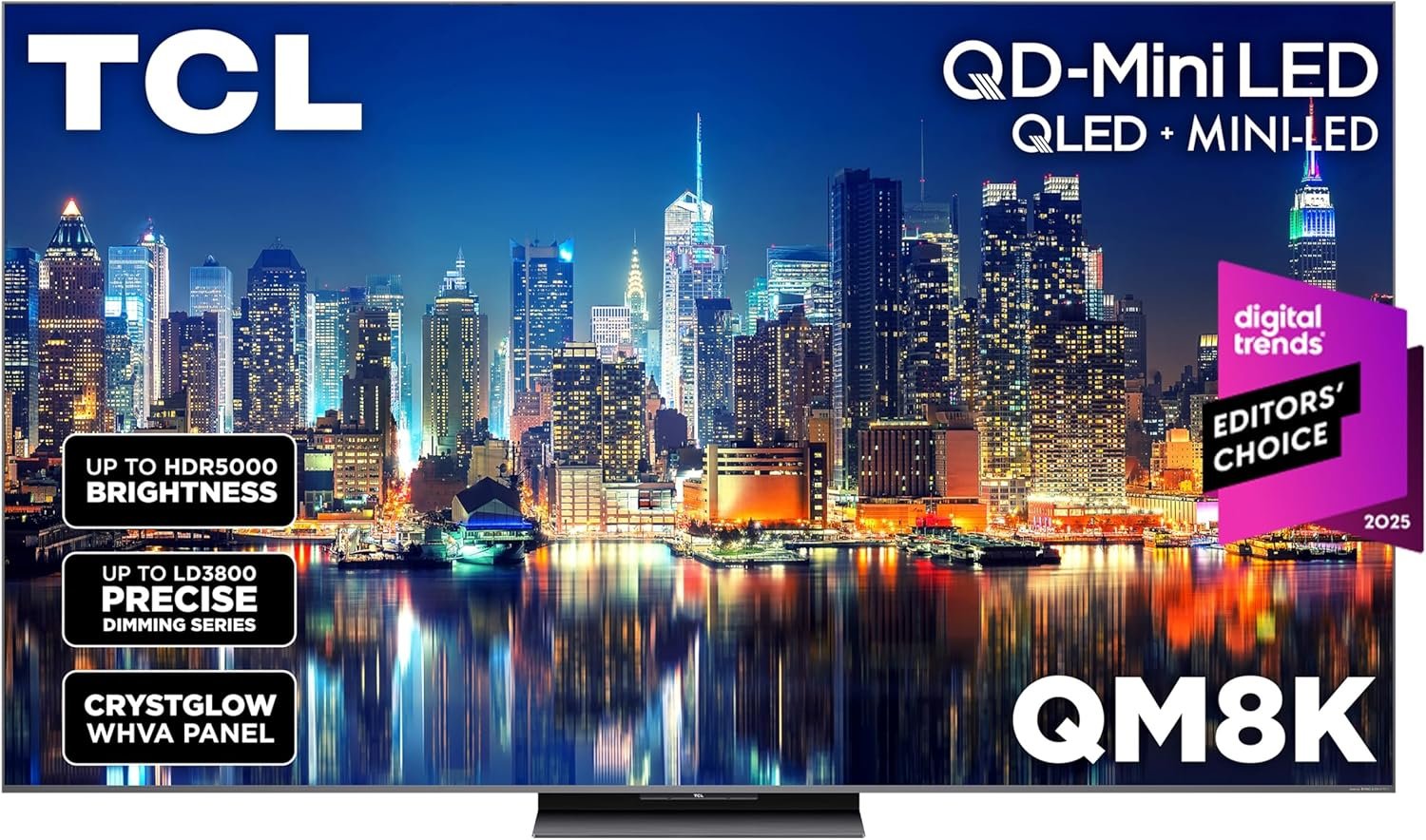


32 Inch 4K UHD Computer Monitor, Ultra-Clear (3840×2160p) Screen, 100% sRGB,178° Viewing Angle, Display Port、HDMI, Compatible with Wall mounting 100 * 100MM – Black
【32-inch 4K UHD Monitor】The 32-inch UHD 4K (3840 x 2160) display has 4 times the resolution of pixels than FHD, with 8Bit color depth, 16.7 million colors, 3500:1 contrast ratio and 100% sRGB, which can reproduce clear images and vivid colors, allowing you to experience the shocking visual immersion brought by your favorite shows, movies, sports and games.
【VA Panel】The panel can continue to provide top color and 178° wide viewing angle, and there is no color shift from multiple angles
【Compatible with wall mounting】Wall mounting gives you the freedom to choose the best viewing position for your monitor, eliminating cable clutter and saving valuable space for your games and workstations.
【Low blue light, no flickering screen】- Using DC global dimming technology, it can achieve high brush without flicker, and after activating the low blue light mode, it can effectively filter short-wave blue light, which is still comfortable for eyes after long-term use.
【After-sales service】We provide 12 months after-sales service, if you encounter any problems when using the monitor, please feel to communicate with us.
13 reviews for Gawfolk 32 Inch 4K UHD Computer Monitor, Ultra-Clear (3840×2160p) Screen, 100% sRGB,178° Viewing Angle, Display Port、HDMI, Compatible with Wall mounting 100 * 100MM – Black
Add a review

$169.98
RSchling –
Perfect for workflow optimization
the 34″ ultrawide curved is perfect for workflow as an alternative for using 2 monitors. I was nervous to get off brand but so far so good. The colors on the monitor look good. Everything seems like high quality material. I’m impressed especially with the price being so affordable. The tilt is nice, though I do wish it adjusted vertically as well but not a big deal. It is very bright at the brightest setting but easy to adjust.
John L –
W Monitor
This was a very good deal. I got it for 29% off at 85.99. The quality is fit for many games for higher or lower specs; though in the photo I’m playing my lower/mid ended game Fortnite. The colors are perfect and have no weird contrast like a cheaper monitor. It supports HDMI and DP (whatever that means). It is in fact 200hz, so no problem there. It doesn’t really adjust besides tilted up and down but it’s not enough to knock off a star and it’s at the perfect height anyway so I truly love it. PS. It does have AMD Freesync for anyone that really wants to know but you have to do 2 steps to set it up.
lester ruiz –
Gawfolk 27-inch Curved Monitor: The 280Hz Beast! Game Changer for PC Gaming!
🎮🚀I am absolutely blown away by this Gawfolk 27-inch monitor! If you are a serious gamer looking for a massive performance upgrade without breaking the bank, stop looking—this is it. The combination of the 27-inch size and the 1800R curvature creates an incredibly immersive field of view. It pulls you right into the action, making first-person shooters and racing games feel breathtakingly real.But the real magic is the speed: 280Hz refresh rate at FHD 1080p is pure liquid smoothness! The difference between my old 144Hz monitor and this one is night and day. Motion is flawless, with zero ghosting or blur. When paired with the Sync technology (G-Sync/FreeSync compatible), screen tearing becomes a thing of the past. Setup was a breeze, and the thin bezels make it perfect for a potential multi-monitor setup down the road. This monitor is the ultimate value proposition for high-speed, high-immersion gaming!Constructive Suggestion: While the monitor is fantastic, I would love to see a future version include a height-adjustable stand for better ergonomics.
Jay –
Surprised with the price I got it for
Came 3 days earlier than expected, and it Definitely surprised me, I didn’t think it would actually deliver the refresh rate that it says it would!! You get a 180Hz refresh rate with hdmi but I plan to reach 200hz with a full pc!! People were complaining about the lighting and brightness but you can always adjust it! It would be really cool if you could adjust it, but other than that, the quality is really nice, it’s very light, and the sound quality is pretty normal too! Easy set up, 10/10
Arturo Barraza –
Screen is great! stand is a little less great.
The monitor itself is great! the quality of this monitor is actually better than I expected. Only problem is that when installing the stand, the screen seems to be a little wobbly. It is not terribly bad but if you intentionally move or tilt the monitor, it moves pretty easily. If left alone, it does not move but it is just something that caught me off guard. Really great monitor.
Anthony Connelly –
Good picture
Works well. Good quality. Good looking screen. Good communication from the seller. Settings adjust easily. Comes with a nice HDMI cable.Dimensions 32” x 14.25”
Elkin David Reyes Infante –
Primeras Impresiones y actualización.
Es el primer día que me llegó, así que no tengo mucho que opinar, vengo de un monitor LG de 19.5 pulgadas, la verdad es que nunca jugué juegos a 1080p por culpa de mi antiguo monitor y ahora que tengo este monitor puedo notar detalles que ni sabía que existía con la misma configuración grafica (como reflejos de luces o hasta detalles de personajes). Me sorprende que este monitor tenga 10bits de profundidad y HDR, ya que estaba con la idea de que solo sería una de 8bits (no se cómo será en gráficas AMD, pero para los de Nvidia deben irse al panel de control, irte a la opción de la última foto, colocarle con la configuración de Nvidia y activar la gama dinámica en completa. Después vas a la App Nvidia en Sistema →Pantallas →Color, y después activar los 10 bits (o 10bpc como se ve en la imagen) (Actualización: acabo de pasarme a Windows 11, la verdad es que con la opción que te da para que tú mismo ajustes aún mejor el HDR de la pantalla es 1000% mejor que el de Windows 10, ahora veo los colores aún mejor que en Windows 10 con el HDR automático, eso sí, para que funcione obviamente deben de tener activado el HDR dentro de los ajustes del monitor).Eso sí, al menos a mi me tocó que el soporte no dejaba recto el monitor, lo dejaba mirando hacia abajo, así que si vas a comprar esto ten en cuenta eso y empieza a buscar algo para colocar debajo del soporte y dejar recto tu monitor en caso de que te pase igual.Una cosa más, nose si es cosa mía porque vengo de un panel TN, pero noto algo medio amarillento/grisáceo la pantalla, pero seguramente solamente es por no estar acostumbrado a un panel IPS, (Actualización: en realidad solo era mis lentes, por alguna razón el filtro que tiene mis lentes para el sol que es algo amarilla se nota mucho en esta pantalla, algo que en mi anterior monitor que es panel TN no lo notaba con los lentes puestos.) y si acepta el Freesync correctamente con el G sync, solamente acuérdense de activarlo primero en las opciones del monitor.Cambios en juegos: (En zenless zone Zero note reflejos de luces que ni he notado, a parte que se ven de muchísimo mejor calidad de los escenarios. En GOW 4 no note mucha diferencia, ya que el juego a lo mucho se renderiza a 720p aún si tienes 1080p o 4k de resolución, pero en áreas con iluminación o cinemáticas si note diferencia de calidad. En Expedition 33 es donde más note diferencia, literalmente el juego Goty se volvió en un x2 de goty jajaja, se veía super nítido. Y en formite si note diferencia de calidad, pero más que nada aumento de calidad por resolución. Por ahora esos son los pocos juegos que he probado durante este día que me llegó el monitor.Cierto, para los de Ecuador (🇪🇨), seguramente aduanas retendrá su paquete donde vendrá su monitor, pero es normal de que pase ya que retienen siempre ese tipo de paquetes al igual que celulares y así, sobrepasó los 4kg pero afortunadamente Amazon se hizo cargo de los impuestos aduaneros de forma automática y al final no pague nada extra, tuvo retenido durante 15 días (según agente de Skypostal estos procesos duran aproximadamente 20 días).Y eso es todo, por ahora a mí si me agarró los 200hz ya que tengo una RTX 3060, así que si tu monitor no llega a esos Hz cuando lo pruebes seguramente no sea problema del monitor, sino de tu gráfica que no los soporta, y recuerden de que en HDMI solo acepta 100hz y en DP acepta los 200hz completos, el monitor viene ya con un Display port muy bueno para 1080p, así que si su PC/gráfica no tiene entrada a DP también vayan consiguiendose un adaptador de HDMi a DP, o simplemente un HDMI para jugar a 100hz.Publicación original: 1 de agostoActualización reciente: 9 de Agosto
JK –
Returned it the same day
Cheap monitors like this are a minefield, sometimes you dodge the explosions, but usually you lose limbs or worse.The screen looked smeared with oily residue like feeling inside, blurry and dim no matter the settings.The HDMI port version was too low, forcing 1080p at 180Hz; had to switch to DisplayPort to fix it.An upside-down red “KF” dot matrix logo persisted on lower left, until I ripped off the screen film.Several dead pixels.Severe ghosting on moving color blocks (worse than my adjacent 60Hz Philips),and eye-searing colors even in sRGB mode.Don’t recommend.
SAMSON –
La pantalla, muy bien , satisfecho
Kim KR. –
Genau wie beschrieben👍
Léo –
Toujours en vie l’écran niveau paramètres chui pas un pro mais cela me semble très correct
Malyke Gens –
Geil
piar martin hoyuela –
Esta genial con unos gráficos? Definidos buen color y tamaño lo recomiendo