

AIMIBO iOS Wireless Display Adapter 4K 5G – Direct Plug & Play HDMI Wireless Dongle for i Phone i Pad Smartphone Tablet Laptop, Cast Video to HDTV Monitor Projector, Support Airplay Miracast DLNA
$64.99
Related Products







From the brand


Wireless Display Adapter 4K



Best Gift Beloved
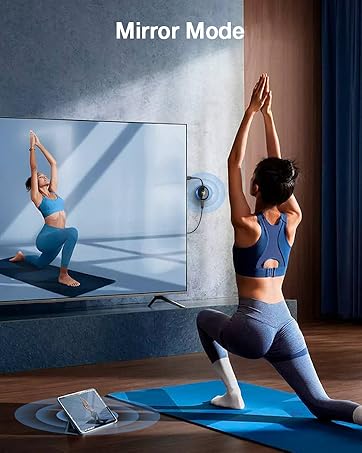
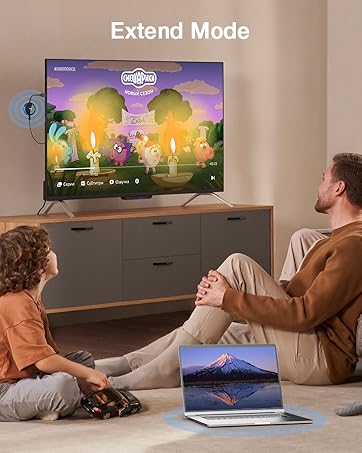

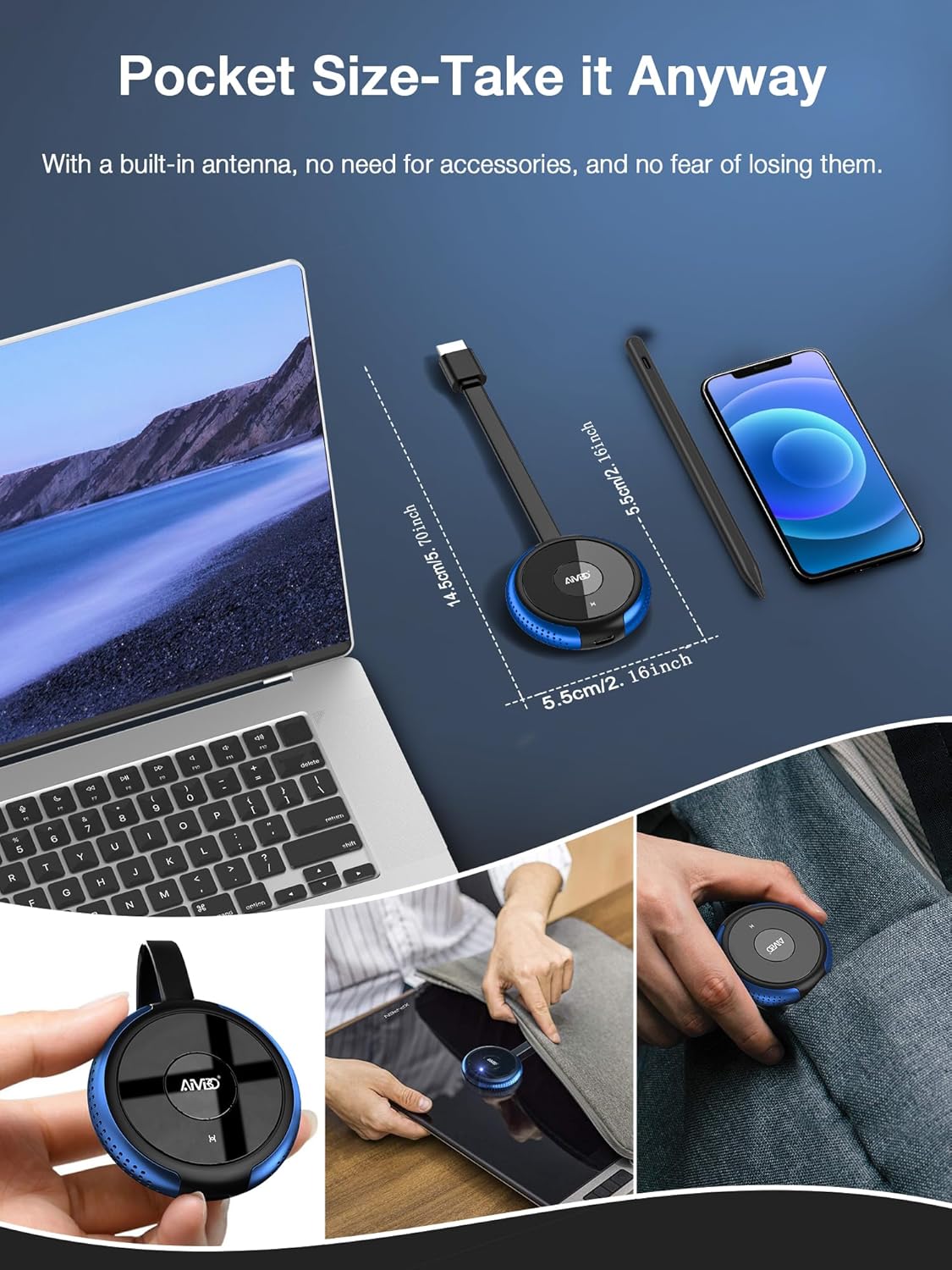
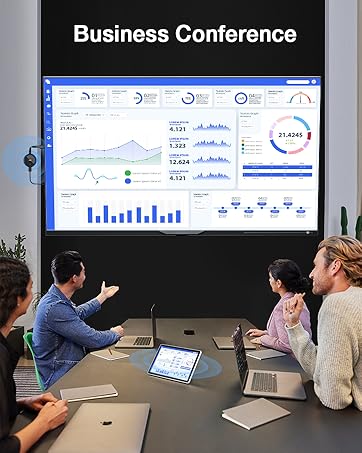
【No WiFi Needed – Mirror Anytime, Anywhere】Turn any TV, monitor, or projector into a large wireless display. This wireless display adapter uses a direct peer-to-peer connection, so there’s no need for WiFi or internet. Perfect for older TVs, hotel rooms, conference rooms, home, or classrooms, you can instantly mirror your i-Phone, i-Pad, tablet, or laptop screen anytime and anywhere.
【Plug & Play –Tap, Enter PIN, and Mirror】No apps, no complicated setup. Simply plug the wireless HDMI adapter into your HDMI display, select “Screen Mirroring” on your i-Phone, and enter the PIN code (PIN not required for Android and Windows devices). That’s it—your screen is mirrored in seconds. Ideal for seniors watching content on a big screen, kids attending online classes, teachers sharing lessons in real time, and more.
【Wide Compatibility with iOS, Android, Windows & macOS】Supports wireless protocols like AirPlay, DLNA, Cast, and Miracast. Compatible with latest i-Phone 15/16/17 series, i-Pad Pro / Air / Mini, MacBooks, Android smartphones and tablets, and Windows laptops. Requires iOS 9.0 or above.
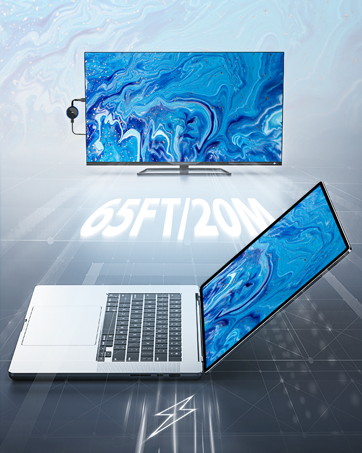
【Dual-Band 2.4G & 5.8G – Lag-Free, Stable Connection】Equipped with both 2.4GHz and 5.8GHz WiFi bands, this wireless display dongle ensures smoother, faster, and more stable streaming. Enjoy lag-free video playback, live streaming, and virtual meetings—even from up to 65ft (20m) away, all without cluttered cables.
【1080P HD Output with 4K Input Support】Supports 4K input and delivers smooth 1080P@60Hz output, making it perfect for watching movies, gaming, or delivering presentations. Get vibrant, sharp visuals on any HDMI-equipped screen for a true big-screen experience.
【Important App Compatibility Notice】iOS & Mac OS devices do not support screen mirroring for apps protected by HDCP (e.g., Netflix, Amazon Video, Hulu). However, Android and Windows users can enjoy these apps via screen casting. Great for streaming YouTube, TikTok, DIRECTV, Prime Video (Android), and more.
8 reviews for AIMIBO iOS Wireless Display Adapter 4K 5G – Direct Plug & Play HDMI Wireless Dongle for i Phone i Pad Smartphone Tablet Laptop, Cast Video to HDTV Monitor Projector, Support Airplay Miracast DLNA
Add a review

$64.99
Jim Bertolini –
Excellent Product!
The AIMIBO iOS Wireless Display Adapter is easy to use and performs as advertised. I am able to mirror my iPhone and my laptop without WiFi or Bluetooth. The device plugs into the HDMI port of my TV and is powered through a USB connection. Prompts appear on the TV screen and iPhone or computer monitor showing the simple steps to make the connection and start mirroring. Resolution is great with no noticeable lag. I’m very happy with the purchase.
Alessandro Calia –
Great item. It works very well
Great item. It works very well
Shadow –
Awesome!!
I bought this item so I can stream Netflix and cloud game through my apple mini on the go between city’s I travel into does the trick thank you.
Jude Williams –
Ok not good.
It was not high definition enough and did not fill up the screen.
oscar –
Easy to use
Plug and connect
Angel M. –
Great, but your neighbors can take over
Really easy to install and no lag or disconnections at all.The only reason for a 4 star review is that it does not have any built in security at all, which means that anyone that’s relatively close to the device can just connect to it and start casting. This is a problem if you live in an apartment with neighbors close by.It would be nice if it asked for some sort of password instead.
Scott Dicker –
Setup
5 stars
JEFF –
Wireless Display Adapter
Because the adapter was designed to be plugged in and played, I was able to connect it to an HDMI port that was already there on my television and power it via the USB port without having to deal with complicated drivers. Within a few seconds, the dongle was recognized by my Windows laptop under the Devices menu, and I was able to stretch my desktop to a resolution that was true to 4K. The process of switching to an Android phone was just as simple: I just hit the Cast icon, chose the SSID of the adapter, and then my preferred streaming applications displayed on the large screen without any noticeable latency. Even when my companion used AirPlay to link her MacBook and iPhone, screen sharing remained completely stable for the whole of the presentation. In the mornings of weekdays, I depend on the adapter to beam the productivity suite of my laptop on a secondary monitor. This practically doubles the amount of space I have available to work without the need for extra wires. During the unplanned meetings of the team, the columns of the spreadsheet appeared in the viewfinder, and the slide decks shifted in an instant. After work hours, the same dongle converts into a center for entertainment: I mirror my tablet to watch streaming services in the kitchen, and then I switch to my phone to participate in a karaoke session with my family on the television in the living room. The fact that I can easily switch between Miracast, DLNA, and AirPlay modes means that I am no longer restricted to a single ecosystem or another.