

Ring Chime Pro
$59.99
Related Products


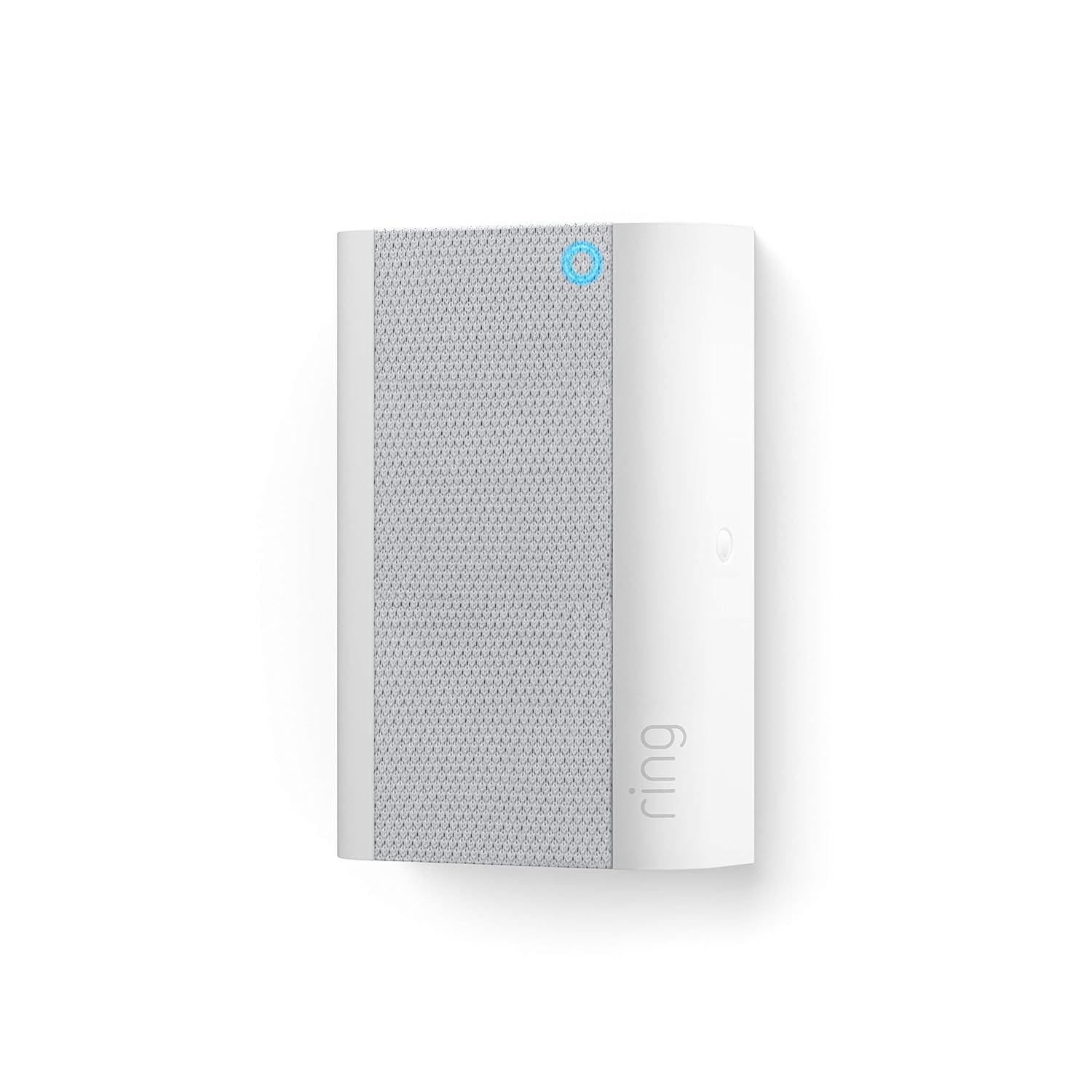

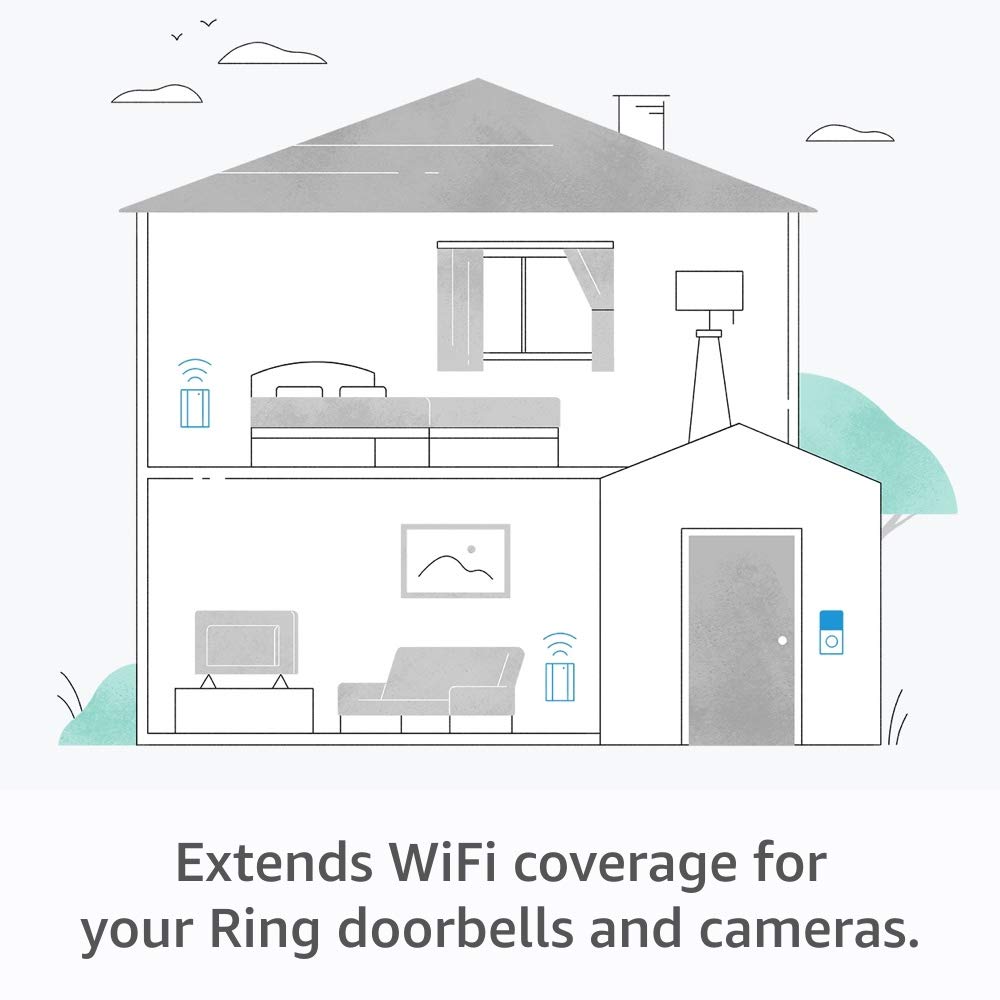


Bring flexibility, convenience, and peace of mind to your home with Chime Pro, a three-in-one plug-in solution that serves as a wifi extender for your Ring cameras and doorbells, a nightlight, and a device to hear notifications for your Ring cameras and doorbells.
Extend your wifi signal up to 2000 sq. ft to boost the network for all your Ring doorbells and cameras.
Hear real-time notifications when your connected cameras and doorbells detect motion, or when someone rings your doorbell.
Easily set up by plugging into a standard outlet and connecting via wifi.
Includes a built-in nightlight that automatically turns on for added peace of mind.
Choose from a variety of tones, adjust the volume to your ideal setting, and temporarily snooze alerts all from the Ring app.
Connectivity: 802.11 b/g/n wifi connection 2.4 or 5.0 GHz.

Josh –
Amazong must buy works flawlessly
Amazong, works flawlessly easy to install with one screwdriver and no hardware gotnot installed on my brick house and its wifi connection has been completely solid the whole time battery life is awesome and I have loterally no complaints the field of view is amazing and you can zoom in and out move side to some for a full birds eye view its only a question of why didnt I get this b4 now.
Alan Andersen –
It Eventually Works But Give it Time
I first bought a Ring doorbell cam 4 and hard wire installed it. RSSI signal strength was around -65 which was ok but not good. Because RSSI is a negative number, the lower number the better. For example, the best RSSI is -59 to -1. I then bought the Ring Chime Pro and installed it in a wall outlet between the router and the doorbell. The app said, no good, find a different location. I tried three more locations, including a wall outlet inside the house located only about 8 feet from the outside doorbell. Signal strength still not good. Finally, I used an extension cord and located the Ring Chime pro on top of a dresser that is literally one foot from the doorbell, with only the house’s outer wall between the doorbell cam and the Ring Chime Pro. At first, still no good! I felt defeated. But wait, there is more! I checked on it a couple of hours later and all of a sudden, the RSSI was great, it was -44.My conclusion is that do not be thrown off by an initial bad reading. Apparently it takes awhile either to establish the good connection and/or the Ring cam device only updates the signal strength report every so often. So now I conclude that it is possible that some of the other locations I tried may also work. To adequately test each location, I believe you need to install it and let it sit there for awhile. In the Ring app, go to the Ring doorbell cam settings, click on “Device Health” to see the current RSSI value, but also scroll down and to see the date and time of the last “Device Health Check.” If that time is a couple of hours ago, do something to the doorbell cam to trigger it, like ring the doorbell, and then check device health again. I did this and the RSSI value changed for the better.It has now been over a week, and I am consistently getting an RSSI from the router to the Ring Chime Pro, and from the Ring Chime Pro to the Ring cam, of about RSSI-45, which is great.Other things: As other reviewers have noted, you truly can easily turn off the nightlight, the chime alerts, and even the little blue status light. In other words, you can easily make the Ring Chime Pro a completely dark and silent device whose only purpose is the signal strength boost. This is all I wanted because my doorbell cam is hard wired to my mechanical doorbell chimes and I don’t need any part of it except the signal boost.Thus I give five starts to the Ring Chime Pro. I have not yet reviewed the Ring doorbell cam itself, but my comment on that is that if you have a brick house, like mine, and your doorbell is in a corner far away from your router, you will probably need to also pay $49 for the Ring Chime Pro, unless you already have a system of mesh wifi boosters.Also, the Ring Chime Pro is super easy to install. Assuming you have already installed the Ring app on your phone, you just plug the Ring Chime Pro into a wall outlet. Then you do have to wait a few minutes while the app sends a firmware update to the device. After that, the app will start giving you prompts that the location is no good. But if you feel the location is pretty good, I would wait, as described above, and see if the signal strength improves over time.
ARM –
Does what it says
Works as it should. Easy install. I bought the plug-in chime unit. It’s nice and loud.Motion alerts are kind of annoying TBH. I shut them off.
Nic –
Improved signal strength and picture quality, nice little device
Works great for signal booster! My RSSI has significantly gone up since I got this little guy therefore my picture clarity as well! I had my WiFi mesh extender as close as possible to the ring doorbell before but i was getting health alerts as it was too close to my router. And even then it was hovering around -65 ish which isn’t great. Problem solved once I plugged in this guy and moved my mesh extender to a better part of the house. RSSI is now in the low -40s. Also kind of enjoy the built in light that notifies you of a doorbell press if you decide to not use any chime sounds. Only reason not five stars is you can’t even see the chime pro in the ring app if you are a shared user, have to be main account holder, but still not the end of the world. Definitely worth it.
Charles D. Stallard –
Correction! I am sure others work great. Mine does not.
I want to retract my previous review. The unit does work. The issue was my ignorance of how to change a setting in my eero6+ router. I apologize for any inconvenience this may have caused. Chime does not work as advertised. It will not stay connected to the WiFi network.
Waseem A –
Easy setup
Works as described with door bell, a night light feature is plus. Sound is quiet loud can he heard on 2nd floor while I plugged it on the first floor. Setup was super easy.
Andy –
Works great!
This is a must if you have a ring doorbell. Works great as a doorbell and as a signal amplifier if you need to boost the WiFi to another camera.