
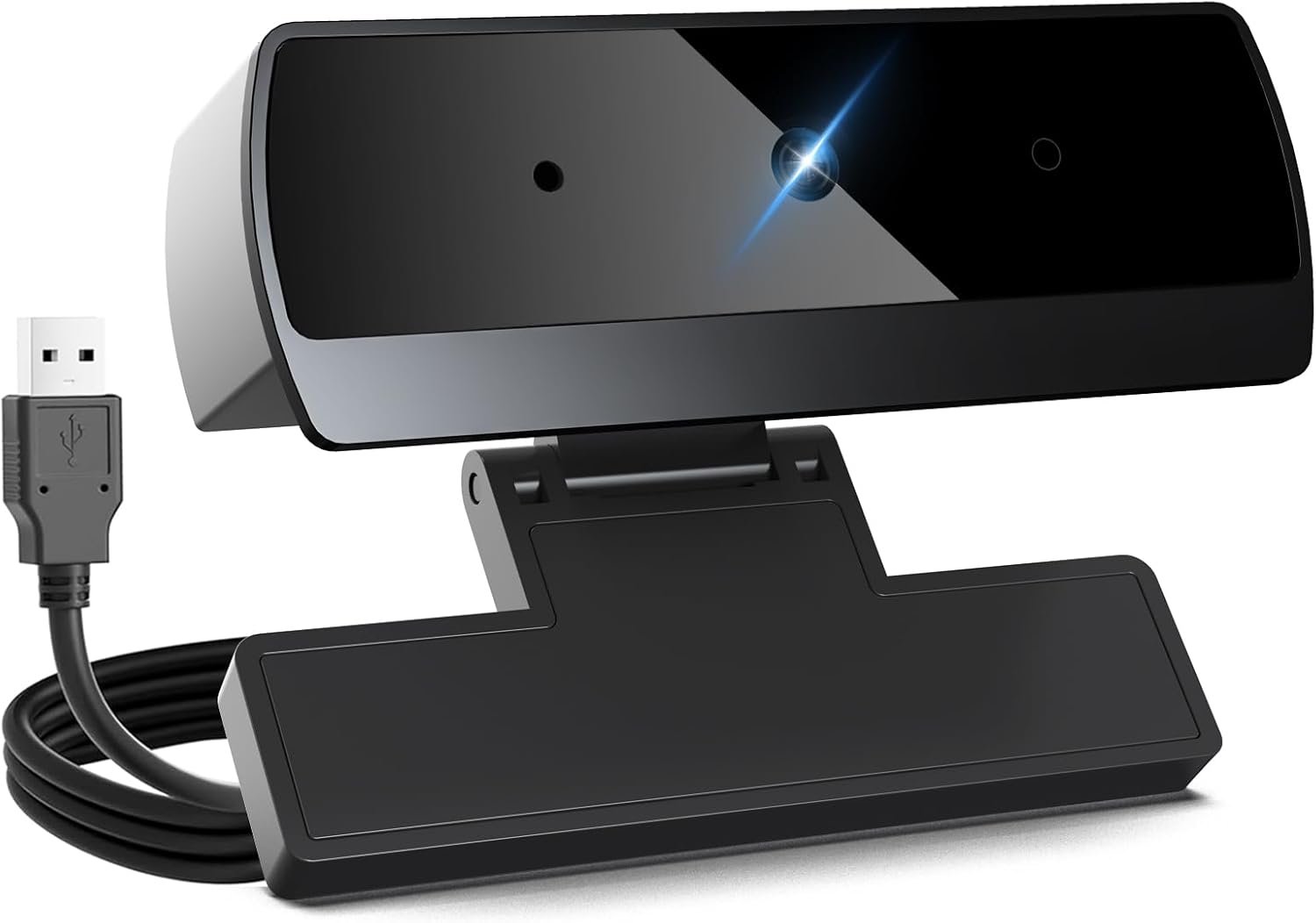
XOCLON 1080p Webcam for PC Laptop Desktop Computer, USB Webcam with Microphone, Streaming Camera, Plug & Play, for Meeting/Online Video Calls
$8.99
Related Products




Product description

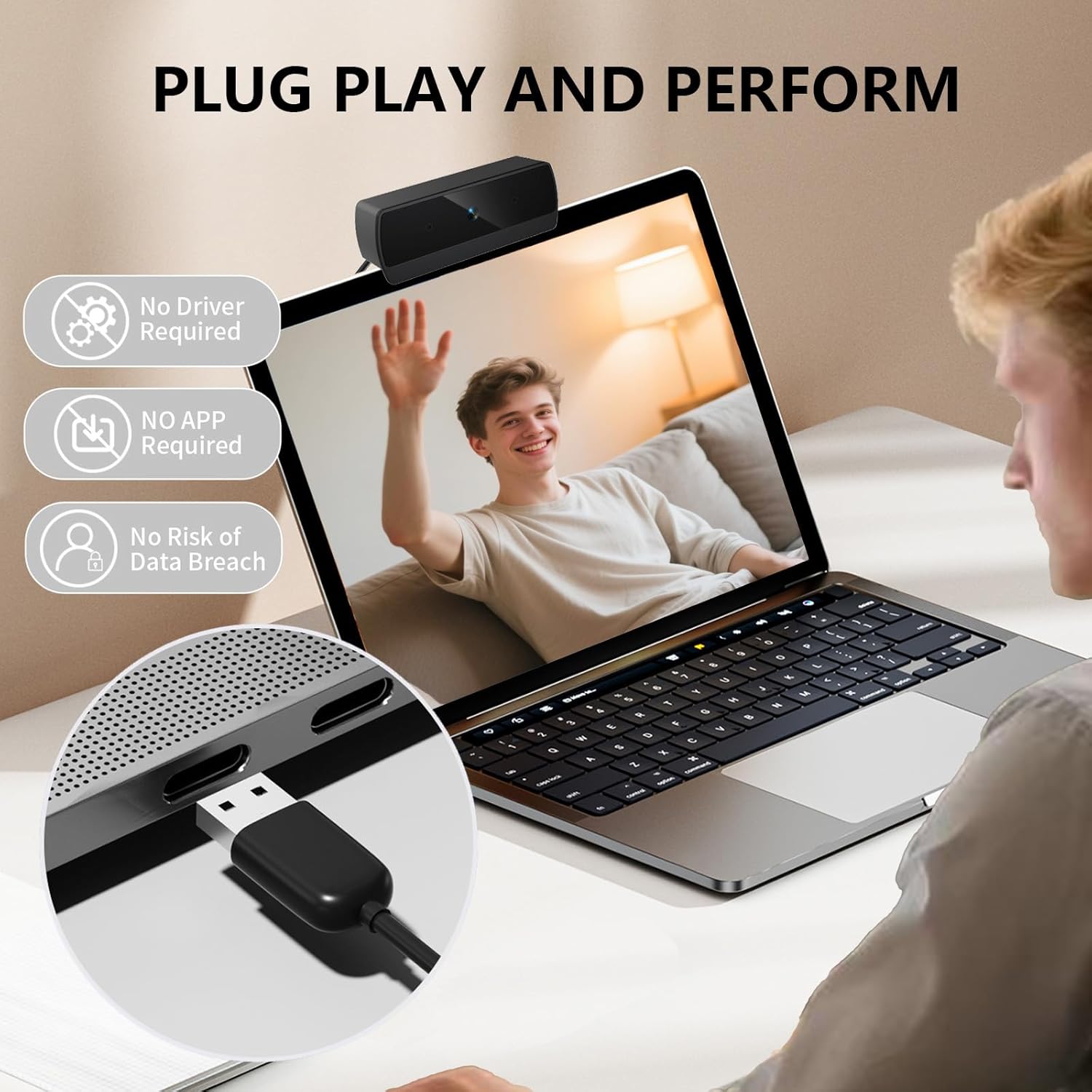
1. Connect the webcam:Connect the USB port to the computer port.Tips: When using a desktop computer, it is best to connect thewebcam to the USB port on the back of the computer, becauseit will be smoother to use.
2. After the installation is complete, you can start using it
3. No response after the USB head is inserted into the USB slot?Answer: This device is a driver-free plug-and-play product, and there wil be no response when connected.
4. No image or sound when the camera is turned on?Answer: The screen will not pop up automatically when connected,You need to open the software you need to use it.Secondly, please open the computer and check the “Device Manager to see if the camera driver is installed wel.
5. ls there a howling sound during the test call?Answer:lf vou are testing the product, there mav be a signa howling phenomenon in the near-field call.Please try to talk to a friend who is a certain distance away.
6. The relationship between the camera imaging effect and the on.site light environment?Answer: There is a relationship, especially in the case of backlightside light, and dim light, the video effect is not ideal.You can achieve the ideal effect by turning on the fill light or adiustingthe direction.
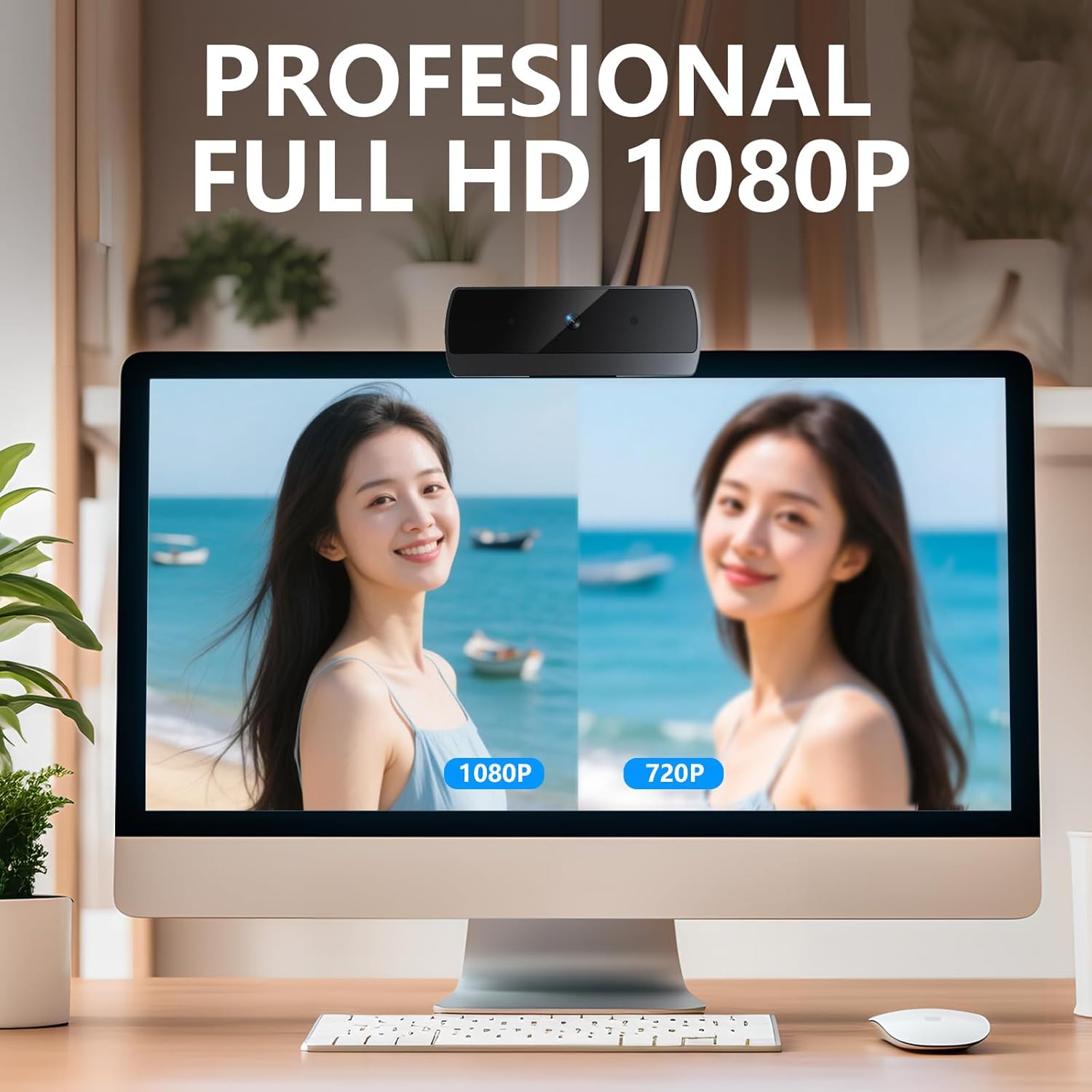
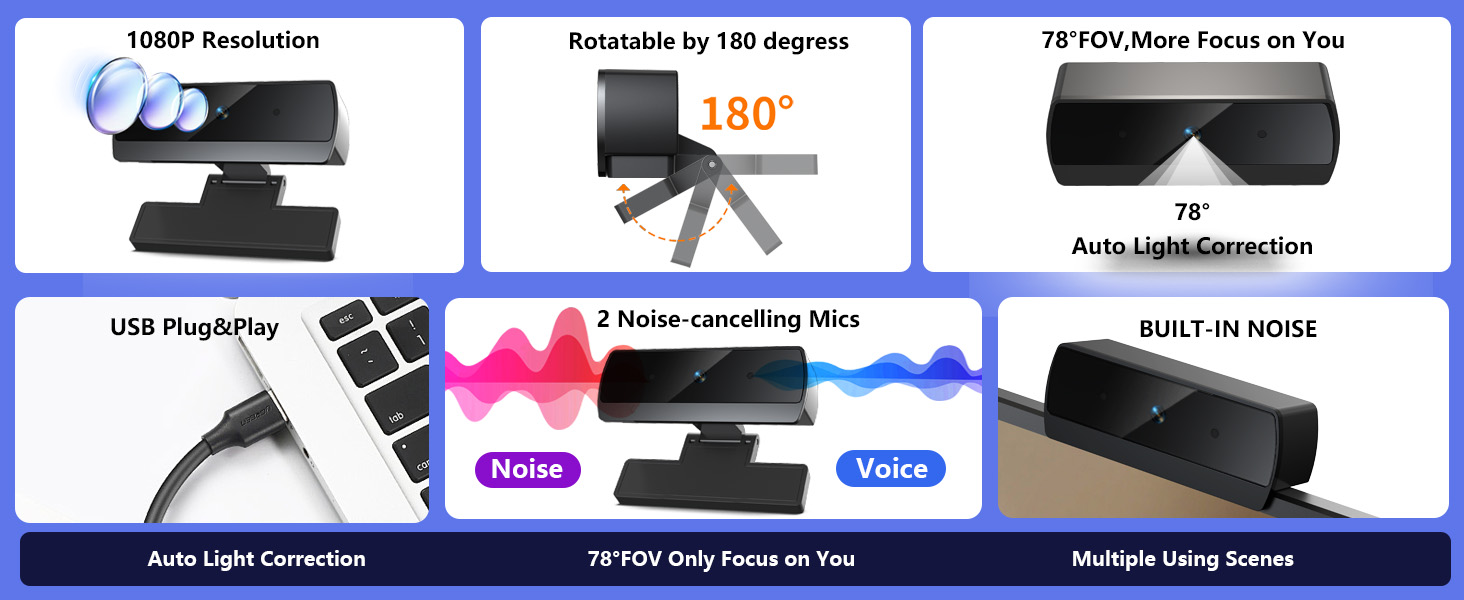
Full HD 1080P Webcam with Cover for Video Calls – computer webcam provides design and Optimization for professional video streaming. Realistic 1920 x 1080p video, 5-layer anti-glare lens, providing smooth video. The fixed focal length makes the object in the focal length range of 137.7-334.6 inches, so as to provide a clearer image. It is a great choice for home office.
Built-in 2 Omnidirectional Mics – webcam with microphone for desktop is 2 built-in omnidirectional microphones, picking up your voice to create an excellent radio effect.computer webcam enables you to enjoy crystal clear voice for communication. (When installing the web camera, remember to select usb webcam as the default device for the microphones)
Low Dependence on Light Condition – Automatic low-light correction technology is applied in HD webcam 1080p so that the streaming webcam could capture the image in dim light. camera for computer also has low-light boost, color boost and adjust exposure so you look your best, even in dim and harsh lighting. Imagine you are working in front of a sunny window. Is it convenient for no need to draw the curtains first when a video call comes in to get a normal exposure picture?
78° Small View – The 78° ultra angle lens under web cameras for computers would be a good fit for personal use, such as online conferences or classes. pc camera better keeps you at the center of view without exposing too much details about the environment of your home or office, protecting your privacy as much as possible. This fixed focus hd webcam offers more stable image quality by precise focus. You are easy to surf the internet with adequate privacy care.
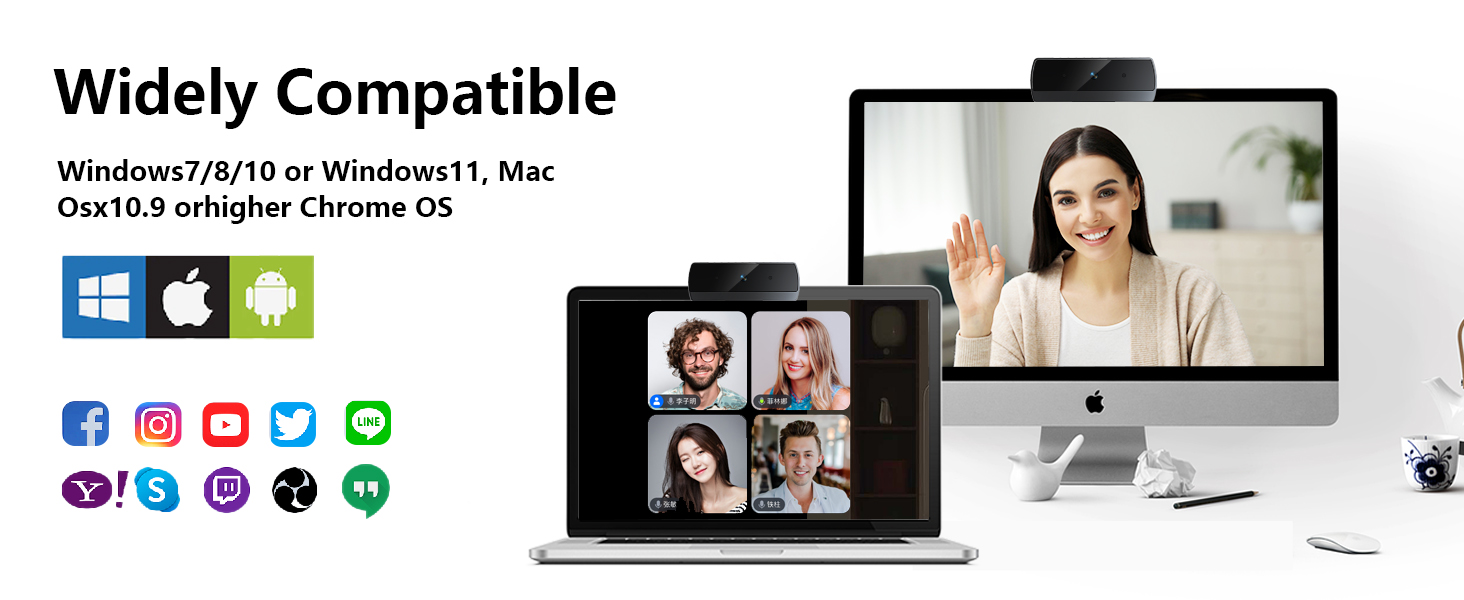
Easy to Use with Wide Compatibility – The webcam works with Windows (Win 10, 11), macOS (10.14+), Android TV (V7.0+), Linux, and USB Video Class (UVC) devices. Additionally, we recommend using the above mainstream operating systems instead of Chrome OS which may not be compatible with all versions and models. It supports popular video tools like Zoom, Microsoft Teams, Google Meet, Cisco Webex, Facetime, GoToMeeting, Lifesize, etc, ensuring seamless performance across platforms.
13 reviews for XOCLON 1080p Webcam for PC Laptop Desktop Computer, USB Webcam with Microphone, Streaming Camera, Plug & Play, for Meeting/Online Video Calls
Add a review

$8.99
abigail murray –
Solid 1080p Webcam for Video Calls
This 1080p HD webcam worked perfectly straight out of the box. Setup was super simple just plug it into the USB port and it’s ready to go, no extra software needed. The video quality is clear and sharp, which makes it great for video calls and virtual meetings. I’ve been using it for school and Zoom sessions, and so far it’s been reliable. Definitely a good value for the price. Would recommend to anyone needing a basic, high-quality webcam for work or online classes.
Kate smith –
Awesome!!
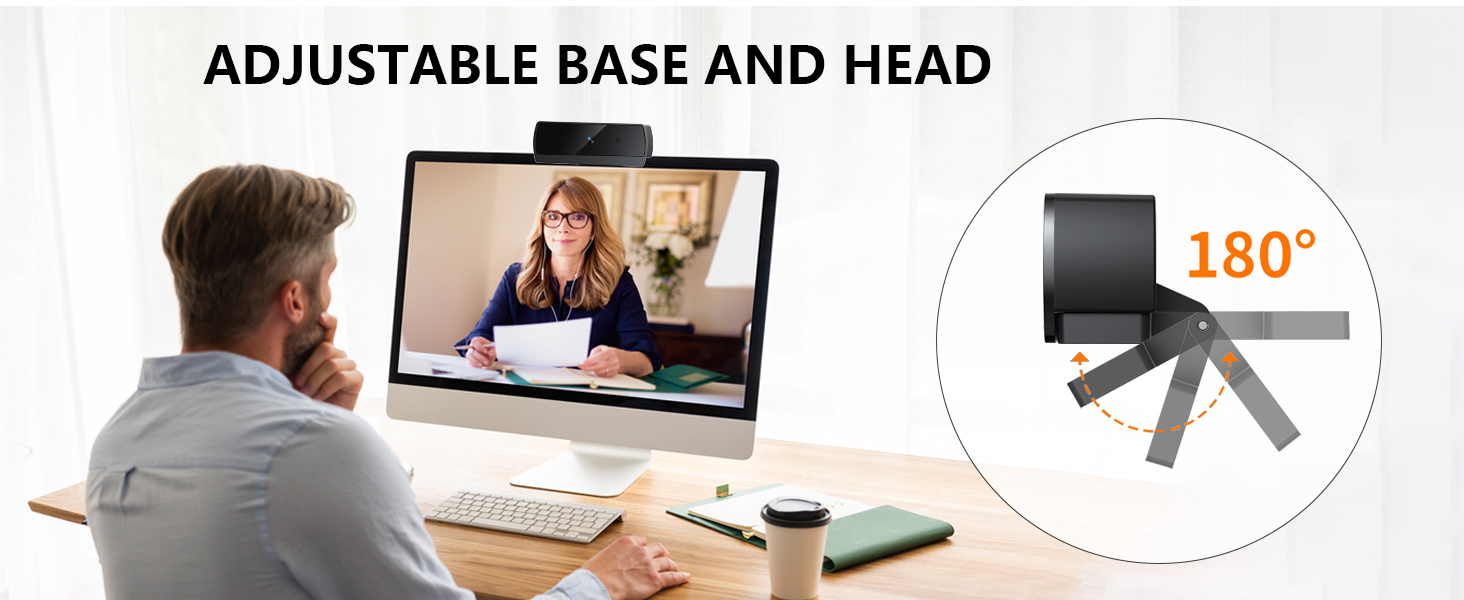
Love it! Decently cheap webcam, works well, easy to connect, and overall just great for the price. I wasn’t expecting much from it but it did the job, the clip fits well on my monitor, though sometimes it falls off. I love wired products since you can easily connect them to monitors so I’d say the compatibility was awesome.
Sidney L. –
Great camera for the price
I was not expecting the camera quality to be as good as it is. I needed a camera for school and some virtual meetings. I bought this one because it was cheap and looked fairly easy to set up. It isn’t a fancy camera, but it gives clear picture and the built in mic works great on it.
Jamil Matheny –
Excellent Value for the Price!
I’m genuinely impressed with this webcam! The picture quality is crystal clear in 1080p, and the built-in dual noise-canceling mic works great for virtual meetings, streaming, and YouTube videos. However, I would get a better microphone for better audio quality. It sounds a bit muffled. The setup was super simple—just plug & play with the USB and you’re good to go. For only $10, this camera easily competes with higher-priced models. Definitely a great buy!
Paula V. –
Great quality & value for the price!
Really great little webcam! Fast shipping and I was able to just plug it in and use it right away on my pc. The grip on it is very convenient, I can even clip it in the middle of my two monitors, and it doesn’t block any of the screen.I work remotely and didn’t want to deal with IT when my old one stopped working. It was worth spending a few of my own bucks to avoid them and definitely faster!!
Steve S. –
Works great and easy to set up.
Works great and easy to set up. Good quality picture too
Mystic7 –
Great webcam.
I purchased this webcam for my daughter, who is attending virtual school. It is user-friendly, has excellent camera quality, and is both durable and color accurate with effective autofocus. After a year of use, it has survived a few falls and remains in great condition. It’s a worthwhile investment, and I highly recommend it.
Rob shahan –
Ease of operation
Works great plug and play video quality o k but over all great camera
Tali Bikmanis –
Quality not there if you want to use it for video making , but works really well for my application , just chatting with friends.
shelley6591 –
Plug in and go, great purchase!
kellee –
Great buy it works very good
Andi –
video and photo are horizontally inverted , cant read any writings captured in video or photo !
Kristina –
Poor quality. Sound did not work at all. Had to return.